To provide a thoroughly detailed piece, I wrote a long-winded prologue. But since my goal is to introduce Google's complex AI application ecosystem, I'll skip the intro and dive straight in.
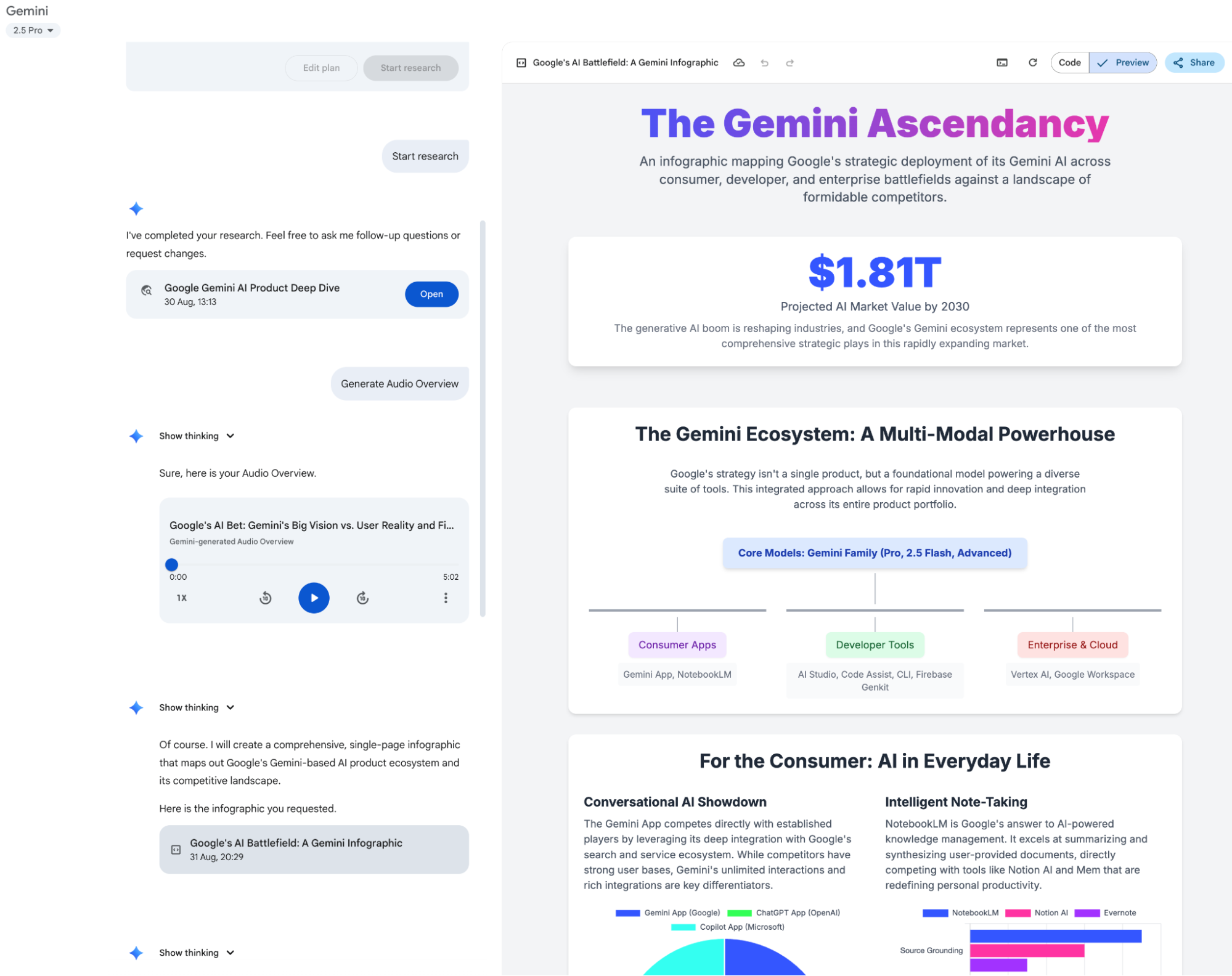
First, there's the Gemini APP: Yes, for this article, I let Gemini perform a Deep Research session for data collection. In the Gemini APP, you can already export Deep Research results directly into a Google Doc in Google Drive with one click. It can generate visual web pages and blog-style voice conversations—true multi-modality.
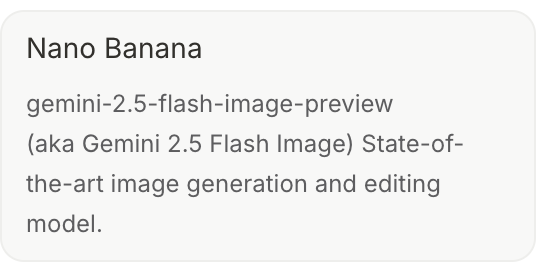
Naturally, the latest "nano banana" model (text-to-image, now called Gemini 2.5 Flash Image) has also arrived in the app.
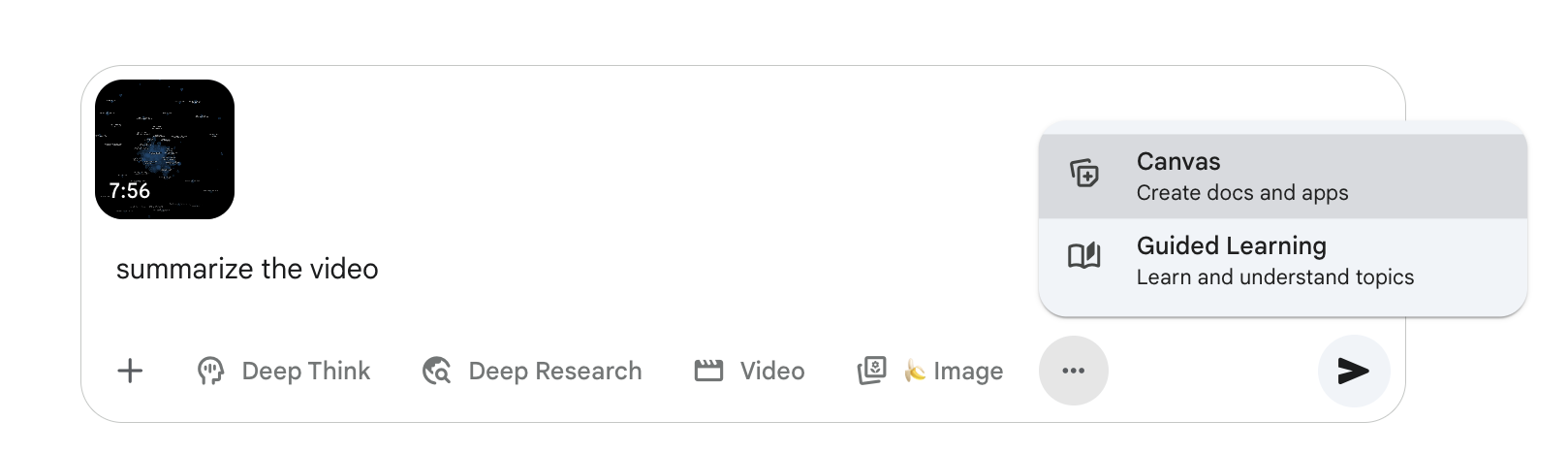
It also supports video generation, video and audio file input, the Canvas feature (like the aforementioned web pages), and real-time voice chat.
There's also the Gems feature (preset templates, which I use for daily automated visual reports, though they can now be migrated to other features—I'll keep you in suspense for a bit).
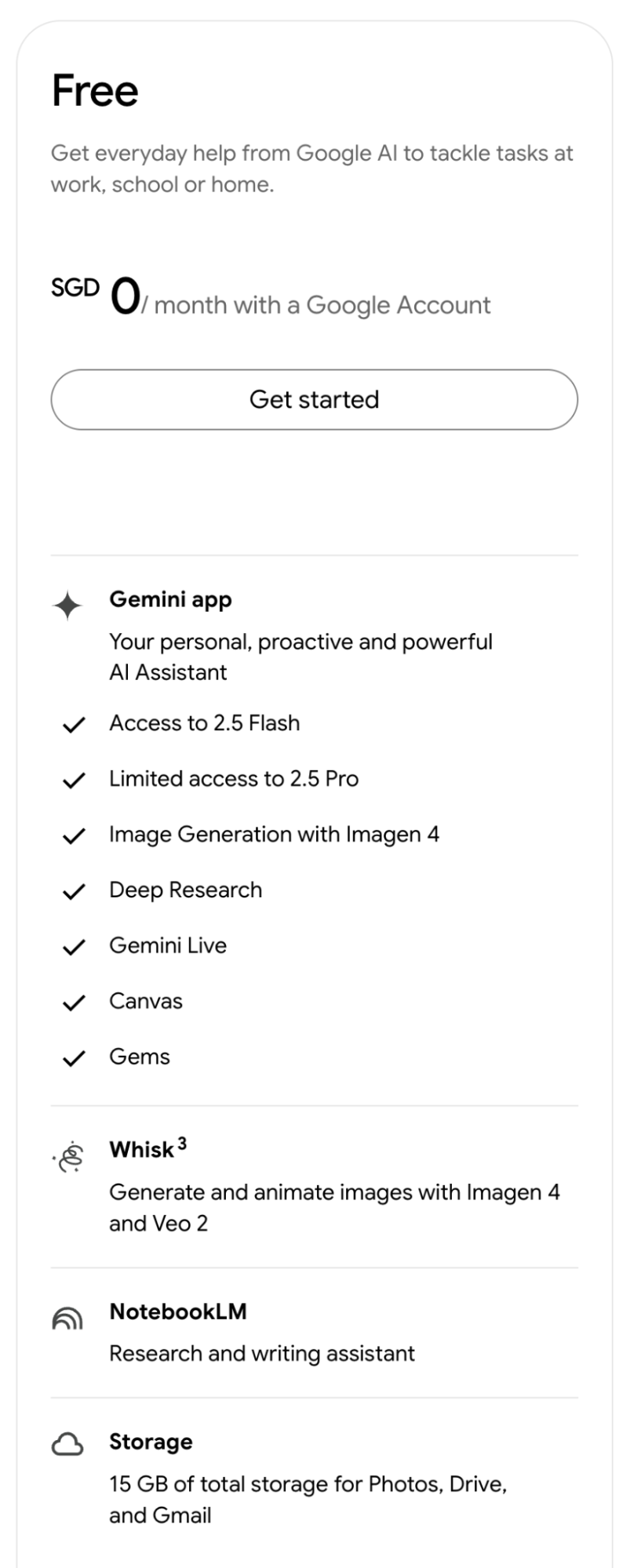
Aside from the latest Nano Banana model (I'm not sure if it's available for free), all these features are free, as shown in the Free tier breakdown below. At the very least, it's more generous than Claude.
Of course, with a Google One Ultra subscription, not only have I never hit a rate limit, but you also gain access to the Deep Think model (the IMO gold medalist). Nowadays, whenever a new idea pops up, I ask Deep Think for a design proposal. Its designs are comprehensive, accounting for various scenarios, while utilizing the simplest possible architecture. Its success rate when paired with Claude Code is significantly higher than other models.
In fact, for a long time, I used Gemini models without ever opening the Gemini APP. But starting June this year, that habit changed drastically. I now visit the Gemini mobile app or web version (collectively Gemini applications) far more often than ChatGPT, and certainly more than the Claude app, which I've essentially stopped using.
I basically initiate Deep Research on my phone anytime, anywhere—the 2.5 Pro model's Deep Research is exclusive to the Gemini app; For every Research result, I click "Export to Google Docs," and it’s automatically saved in Google Drive; For every Research result, I generate a simple visualization (Web Page feature) and an AI Overview audio blog; Deep Think is currently only accessible via Gemini applications;
Google has clearly strengthened the Gemini app's user experience since Q2 this year. It is undoubtedly the most powerful model application today (outside of their own AI Studio). It supports multimodal inputs like video and can output audio directly, complemented by a leading text-to-image model. Its capabilities exceed GPT, and its features are more comprehensive than ChatGPT.
Granted, ChatGPT has one standout feature: ChatGPT-Agent, which is nearly the only reason I still open ChatGPT daily. Although Google has a similar app called Project Mariner, it is currently: 1) only a preview for Ultra users; 2) not yet integrated into the Gemini app; 3) still lacking in capability compared to ChatGPT-Agent.
This leads us to Google’s second application: Project Mariner.
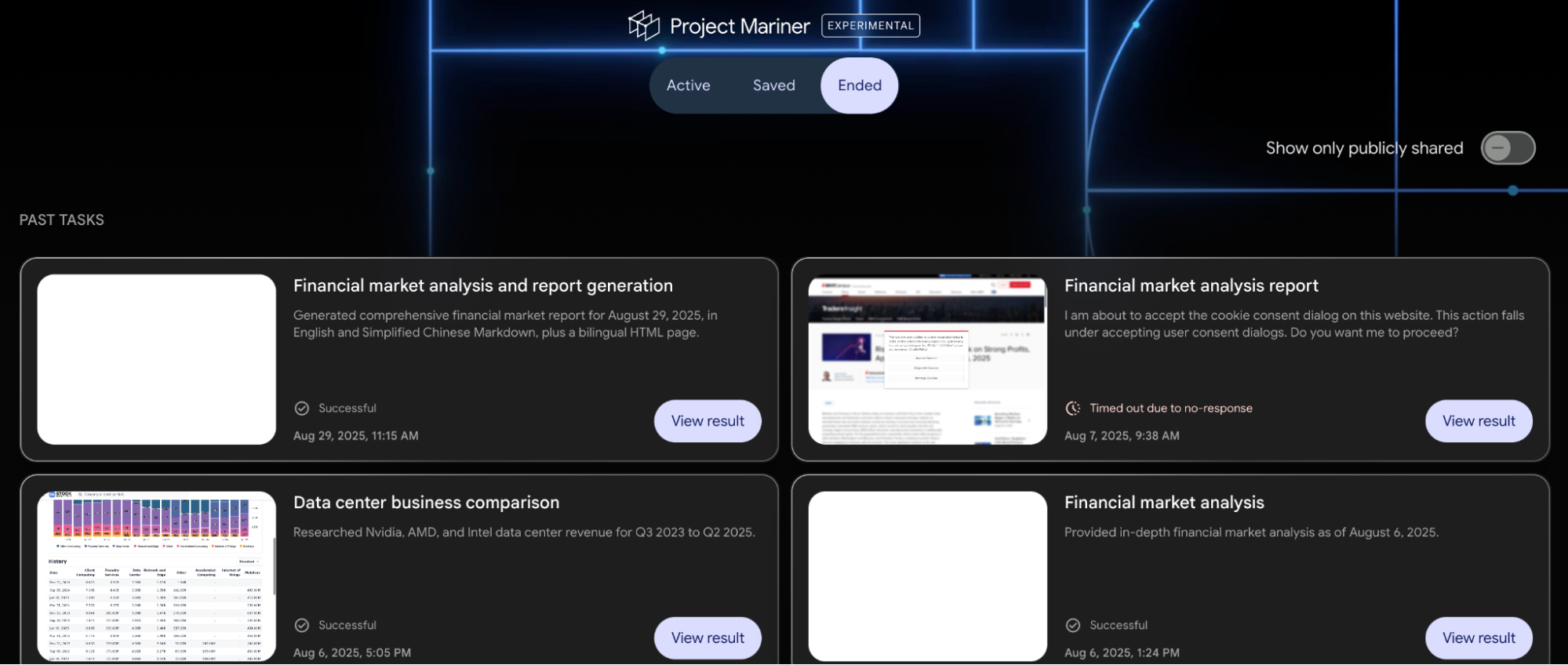
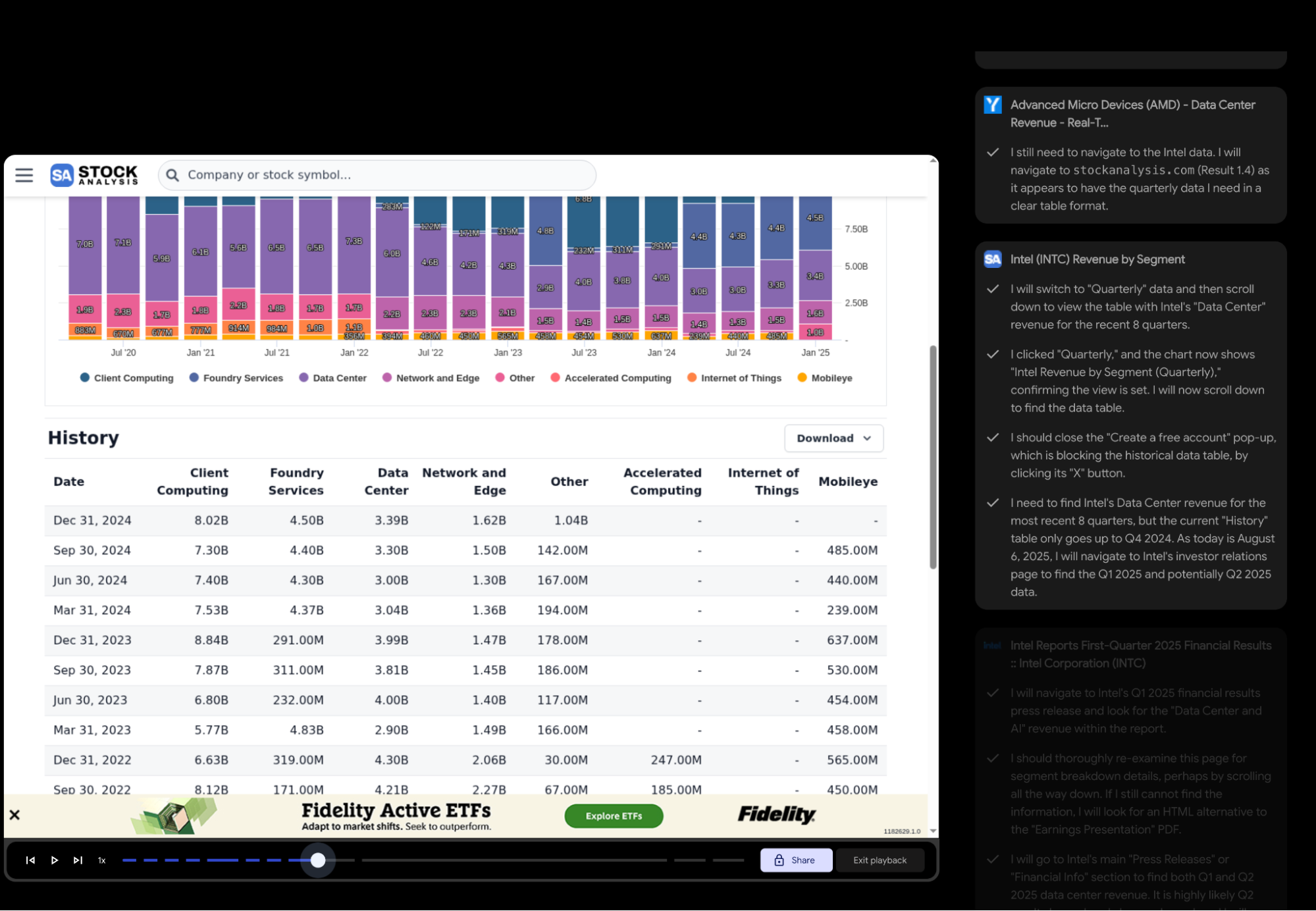
Visually, it looks even "cooler" than ChatGPT-Agent’s predecessor, Operator. However, current Project Mariner doesn't meet my daily needs: 1. It doesn't support file uploads yet, so it can't handle spreadsheets for data analysis; 2. It hasn't integrated code execution; 3. In a test case a month ago, it couldn't navigate a simple button click and frequently required manual intervention.
Still, I've noticed progress over the past month. The most significant change is that the model has become "smarter"; it can choose to read webpage content directly without opening the page in the browser. Browser-use features still have many scenarios, especially when combined with other model capabilities.
However, it’s unlikely to remain a standalone app. Instead, it should be embedded across various models and ecosystems, acting as the "versatile filler" for the gaps between the model and the ecosystem.
I'm sure Google understands this better than I do. Given that this project has remained in a cautious "preview" state since leaking last year, they likely have much larger plans.
While Gemini and Project Mariner have clear competitors, AI Studio reflects Google's unique advantages and philosophy: developer-oriented, massive free tiers, and a testing ground for new models and features.
Today's AI Studio is vastly different from its origins. I found a screenshot from when I first tested the Gemini-1.5-Pro preview and compared it to the current UI: AI Studio is now a mature, powerful application.
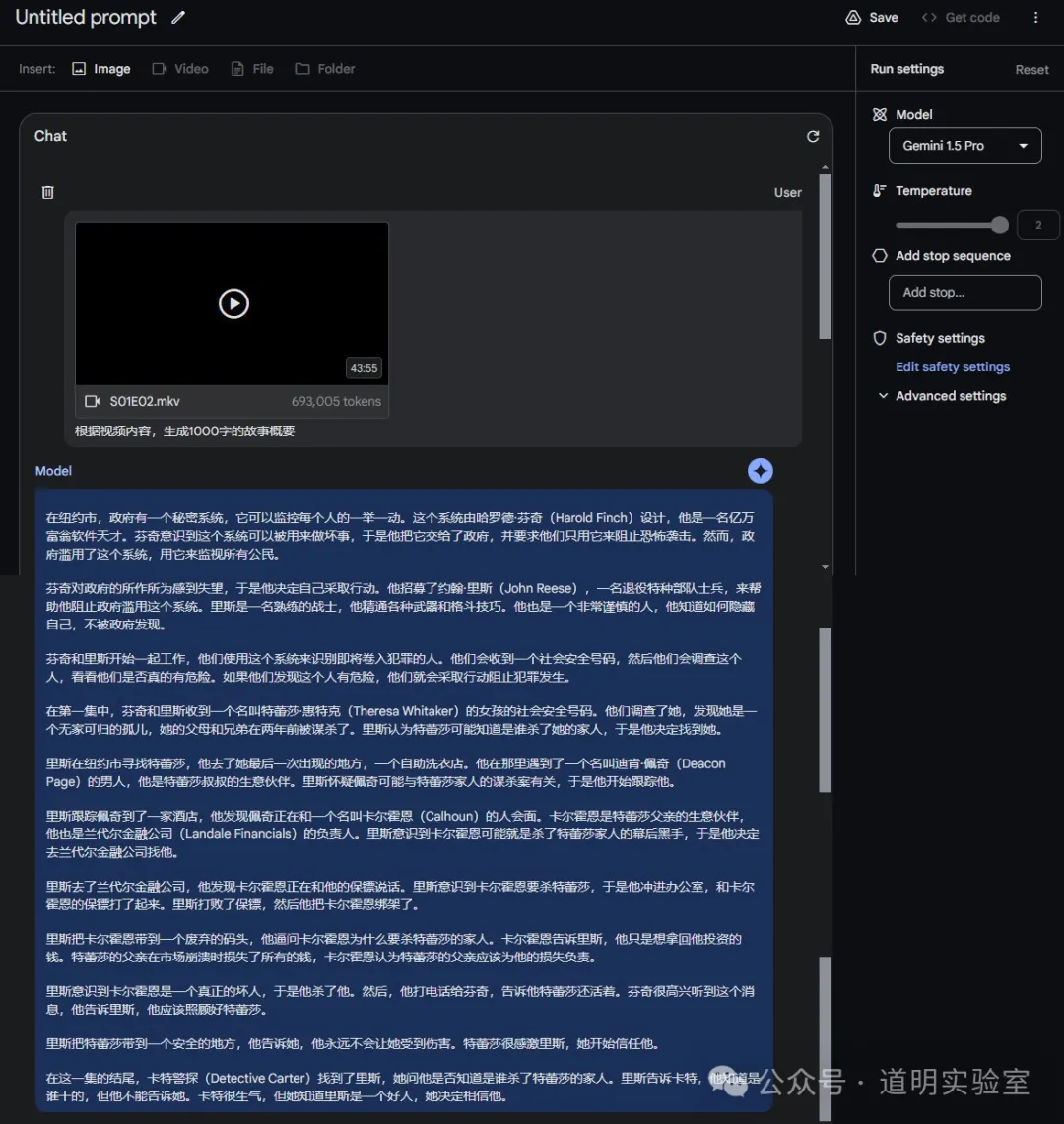
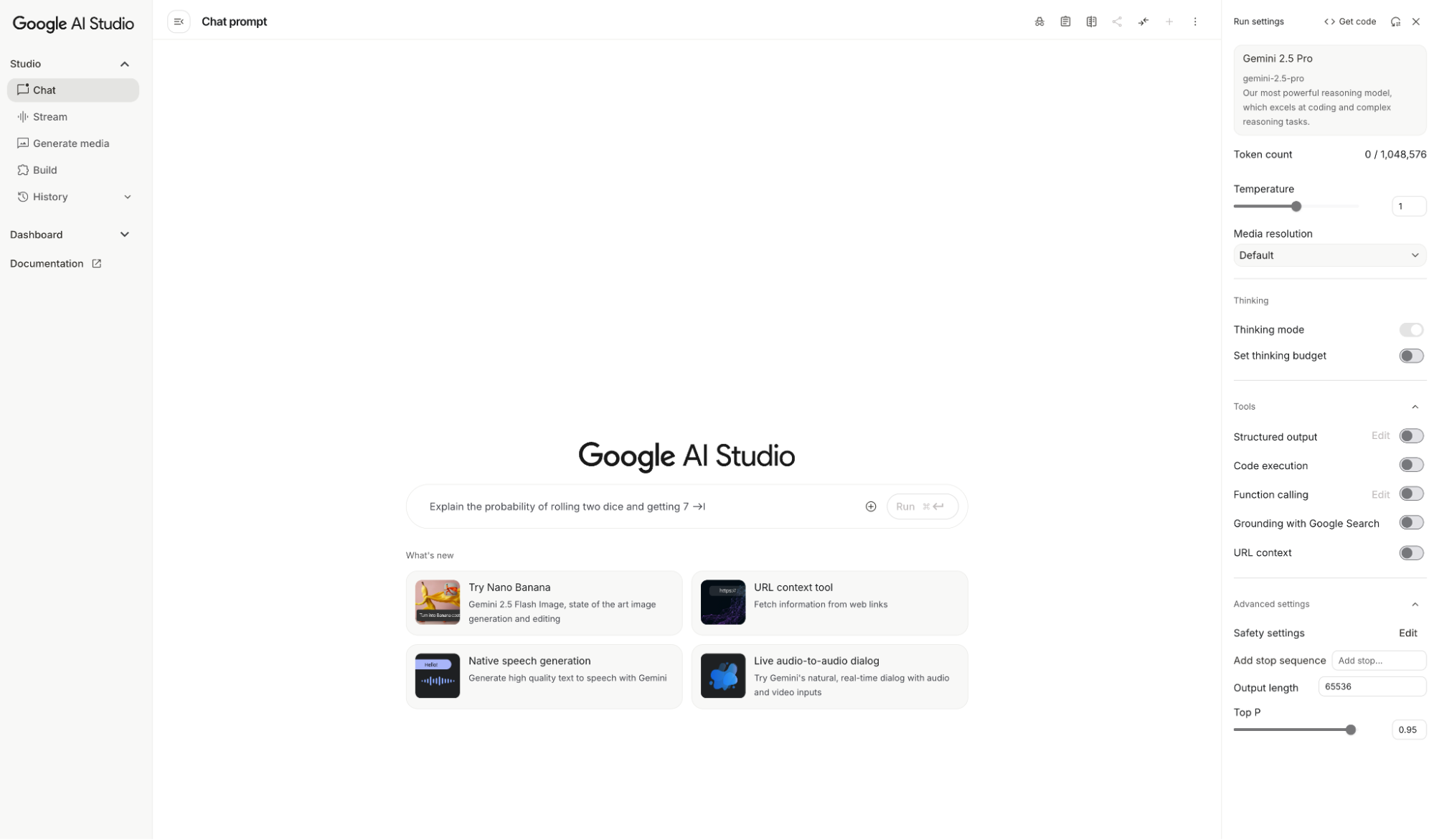
Ever since Gemini supported the million-token ultra-long context, AI Studio has been my primary platform for daily work. As mentioned, it wasn't until June this year that I shifted toward the Gemini app.
For Google, AI Studio has always been a magical entity: the latest Gemini models always launch there first, and usage within the AI Studio UI is completely free. I've never even hit a usage limit. Applying for AI Studio is simple—just become a trusted Google developer for free. While the threshold was higher last year, applications seem to be approved instantly now.
For a long time, I called this "pandering to developers." It’s hard to tell if this stems from "arrogance" or an "open-sharing" mindset among Google researchers—likely both. This strategy works: AI products iterate too fast. By treating AI Studio as a formal experimental platform, Google can mature models and features before launching them on the Gemini app, relieving pressure on the product side. Simultaneously, by making this platform a professional productivity tool for developers, Google retains the most critical users of the AI era and leverages their creativity to build Best Practices and educate the market.
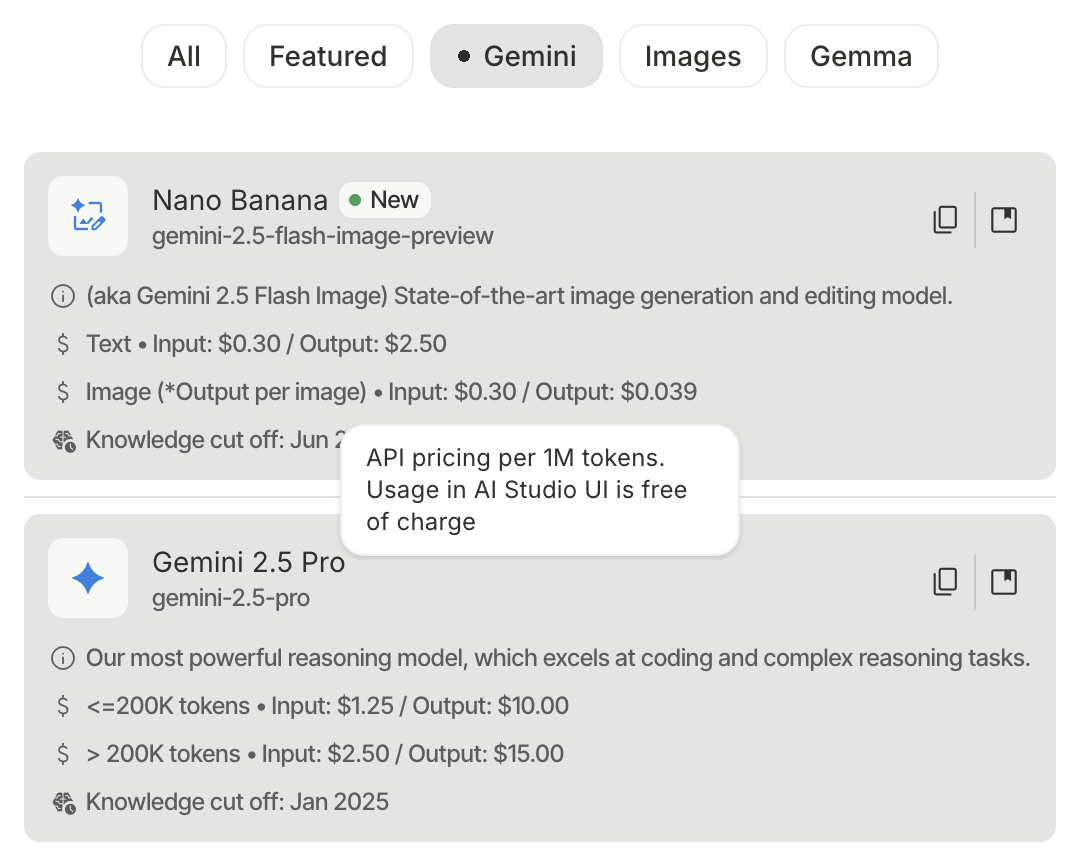
I believe Google clearly understands and utilizes this, having turned AI Studio into the ultimate AI application. It’s not just about the free latest models; it's about free access to features not even available in the Gemini app.
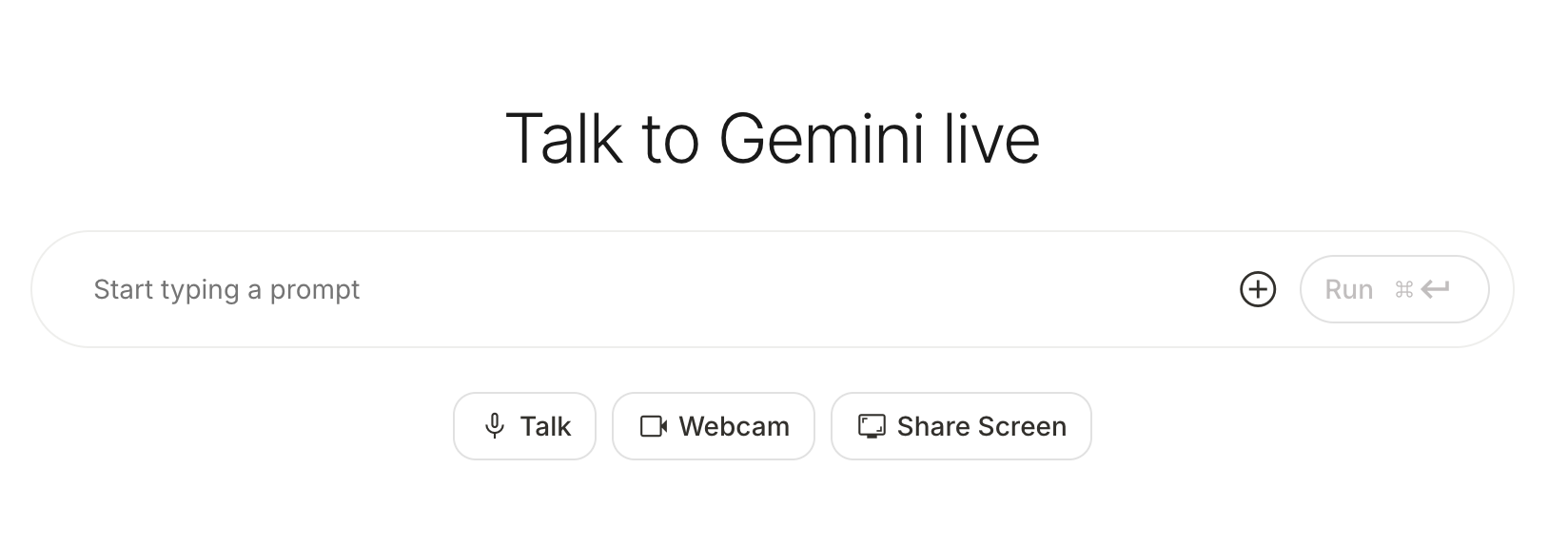
- Stream: Not just real-time dialogue, but you can turn on the camera for video chat or share your screen with Gemini. I’ve tried using it as an assistant for strategy games, chess, or cards...
These features are still rudimentary, but they allow developers to explore the boundaries of what the model can do.
- Generate media Yes, actual media. For image generation, there's Imagen-4 and the new Nano Banana; for video, there's Veo; for audio, there's single and dialogue synthesis (like AI Overview); and for music, there's synthesis based on the Lyria model...
Of course, Imagen and Veo currently have quotas because they are computationally expensive.
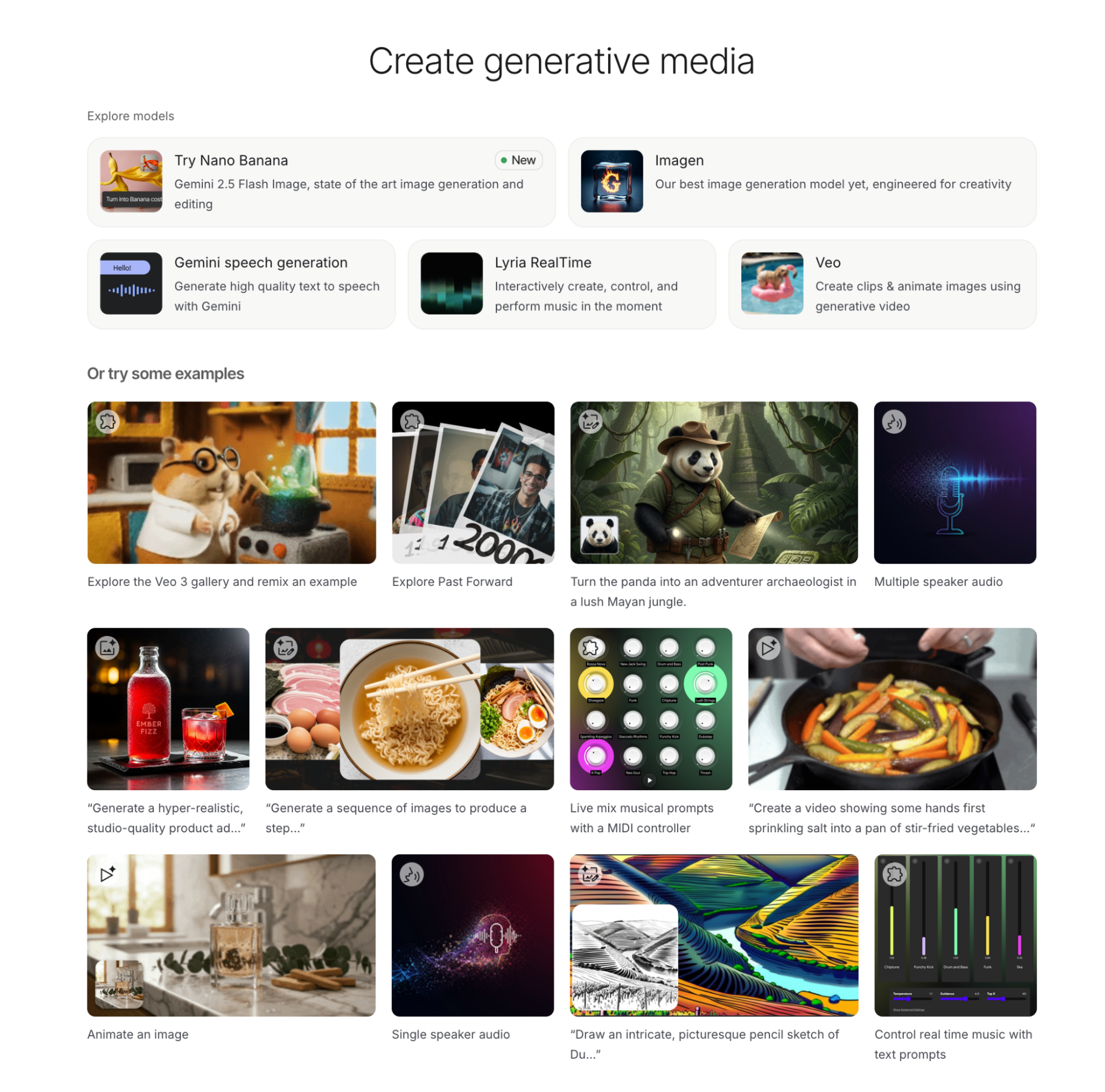
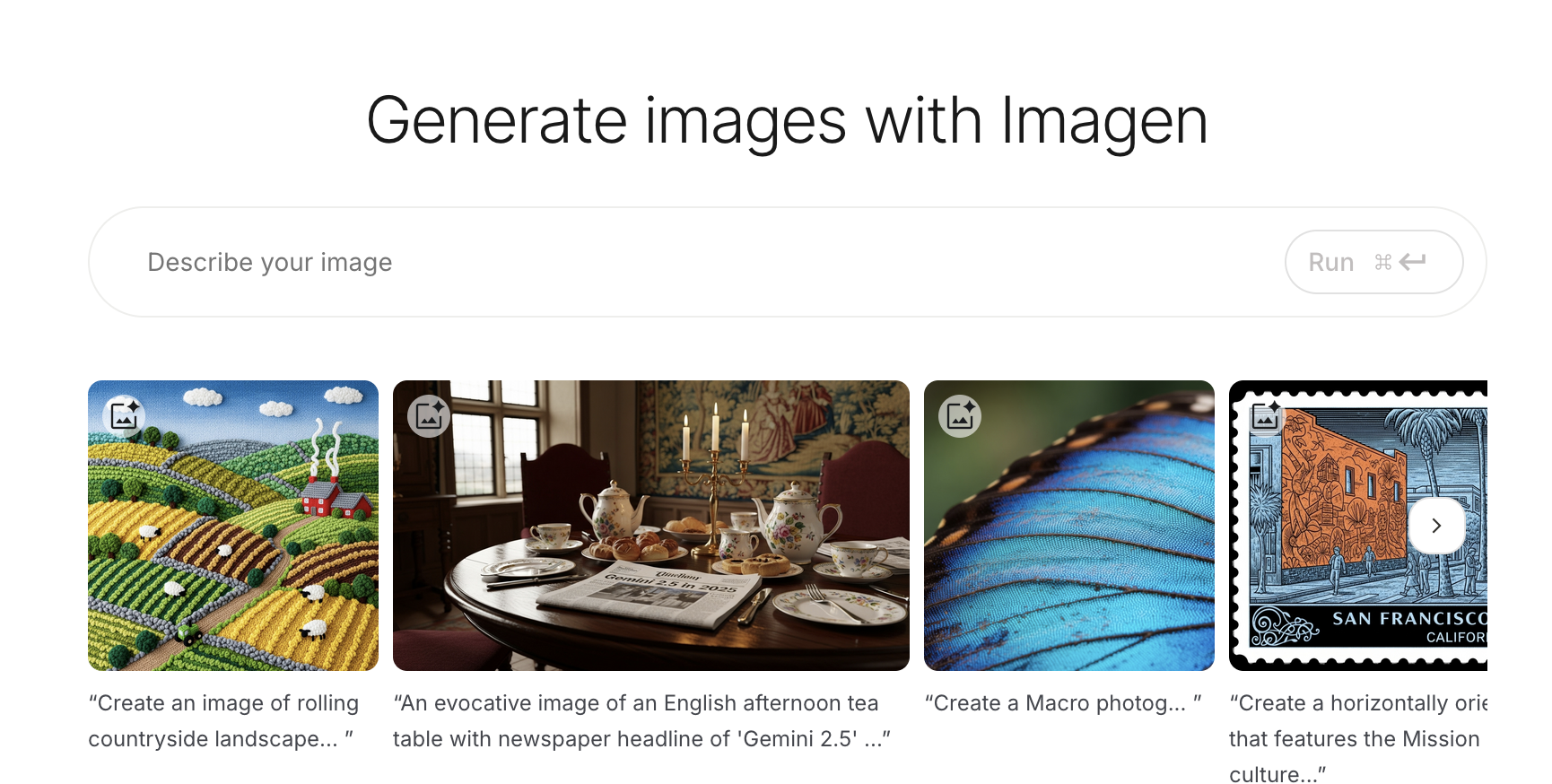
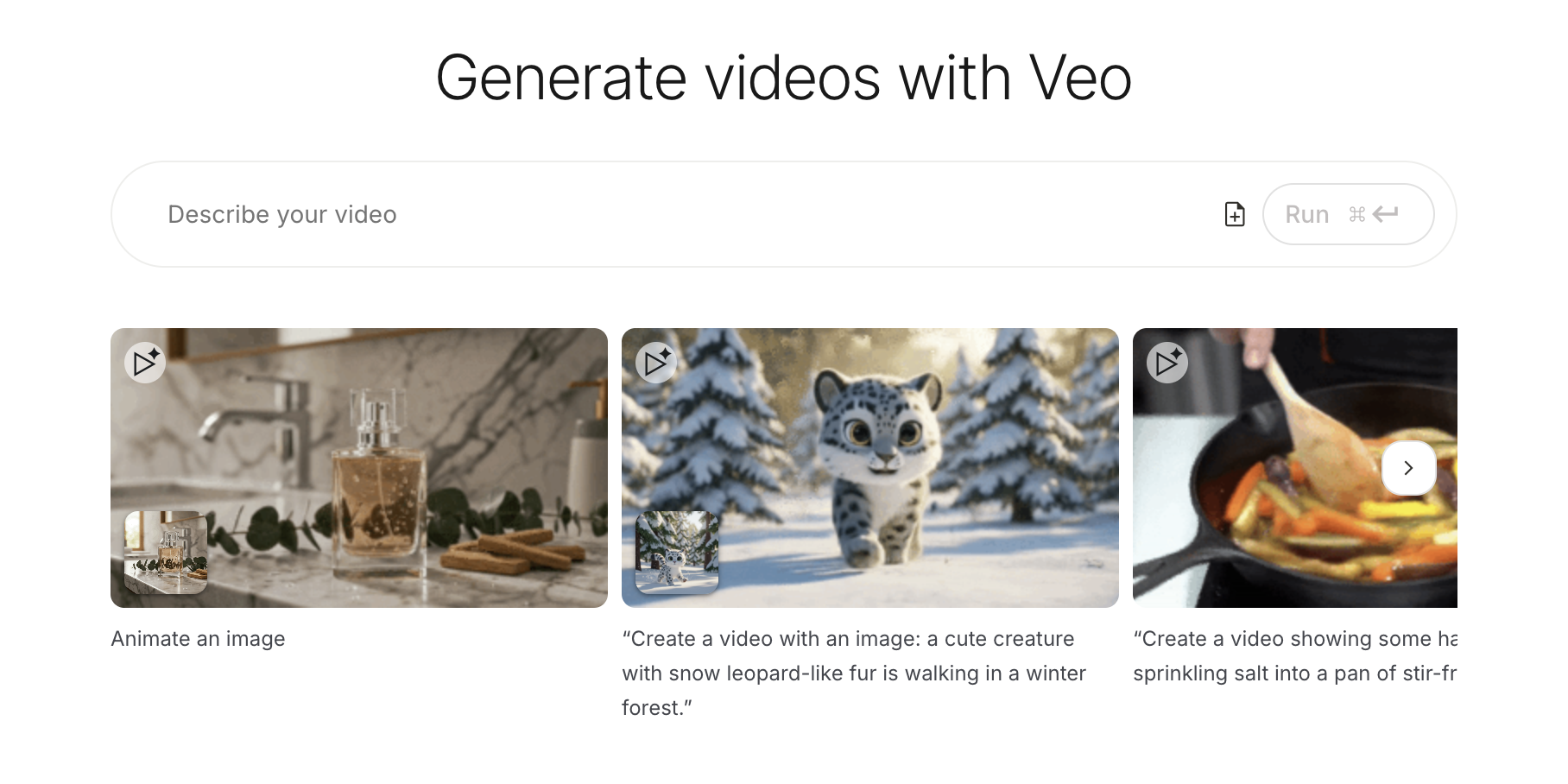
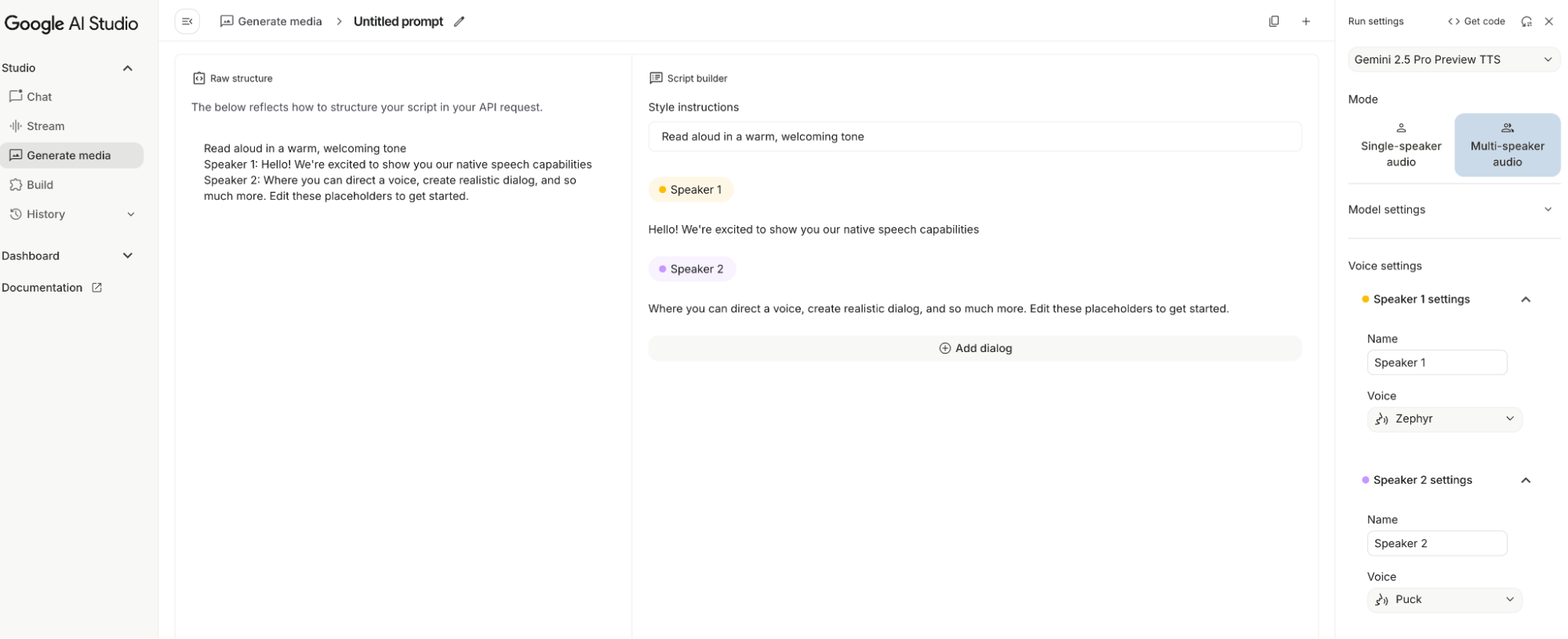
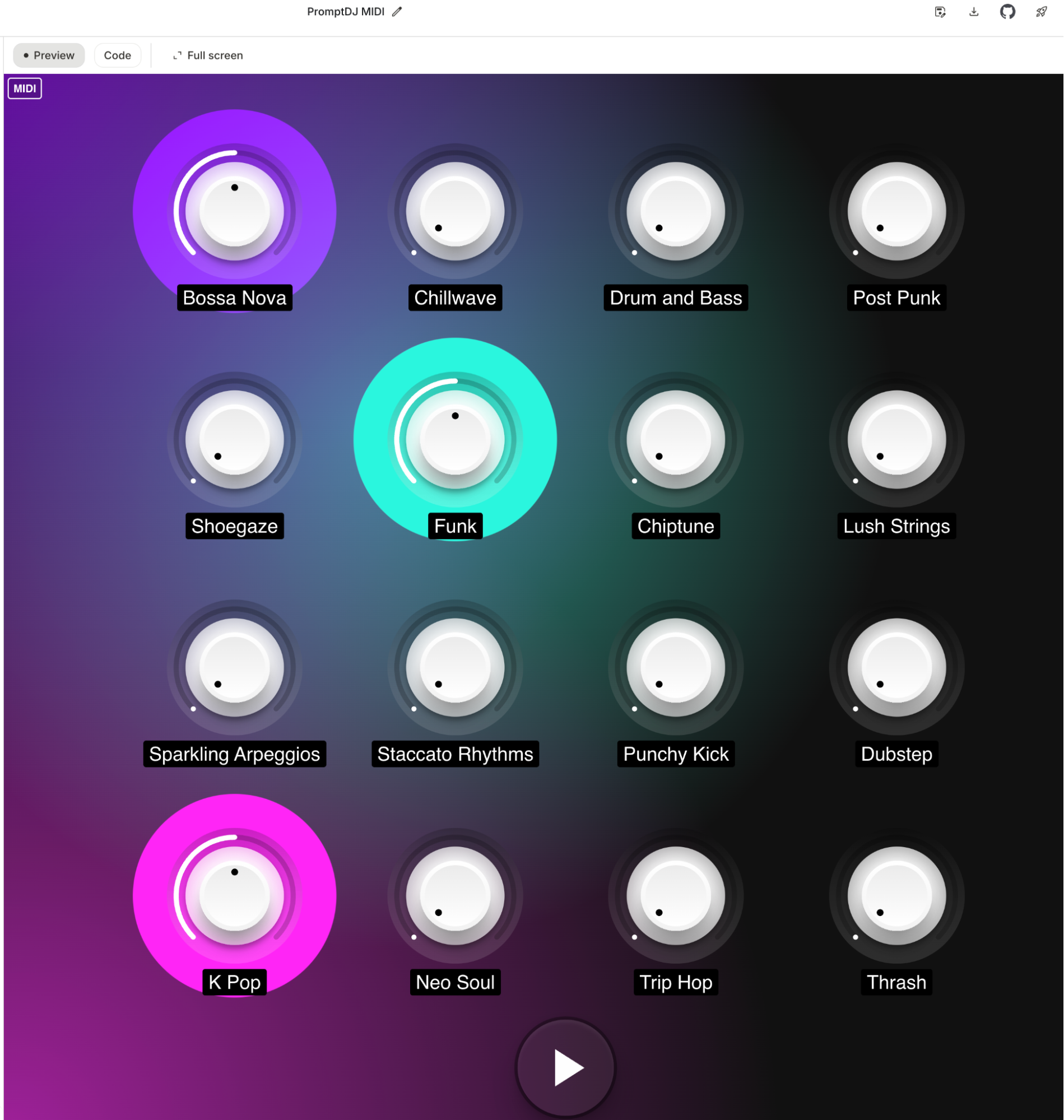
Seeing such comprehensive products in AI Studio makes me imagine Demis Hassabis's sly smile: look at our model matrix (and that’s not even counting the newest ones). In the AI world, there are arguably only two distinct "geniuses": one who started DeepMind and one who co-founded OpenAI. One is still at Google in a more vital role; the other just changed his profile picture.
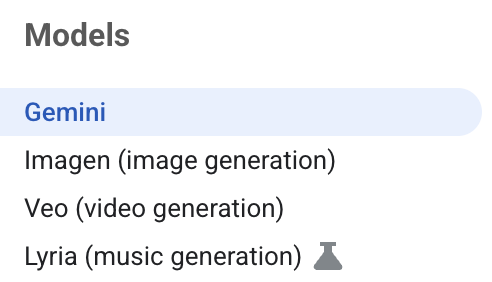
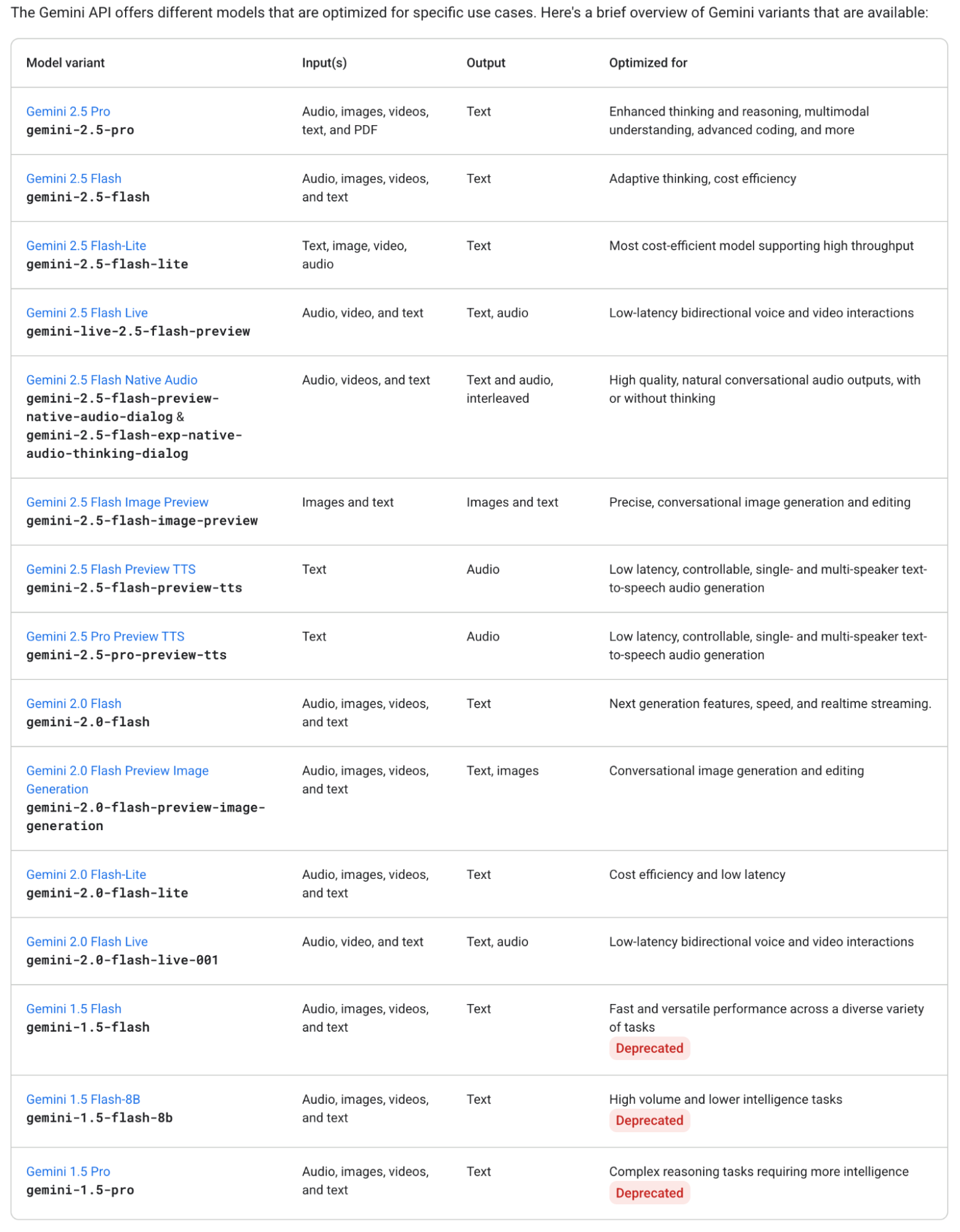
These alone surpass the products of any competitor. But wait—the most powerful feature now is: Build, which lets you create a Gemini-based AI application.
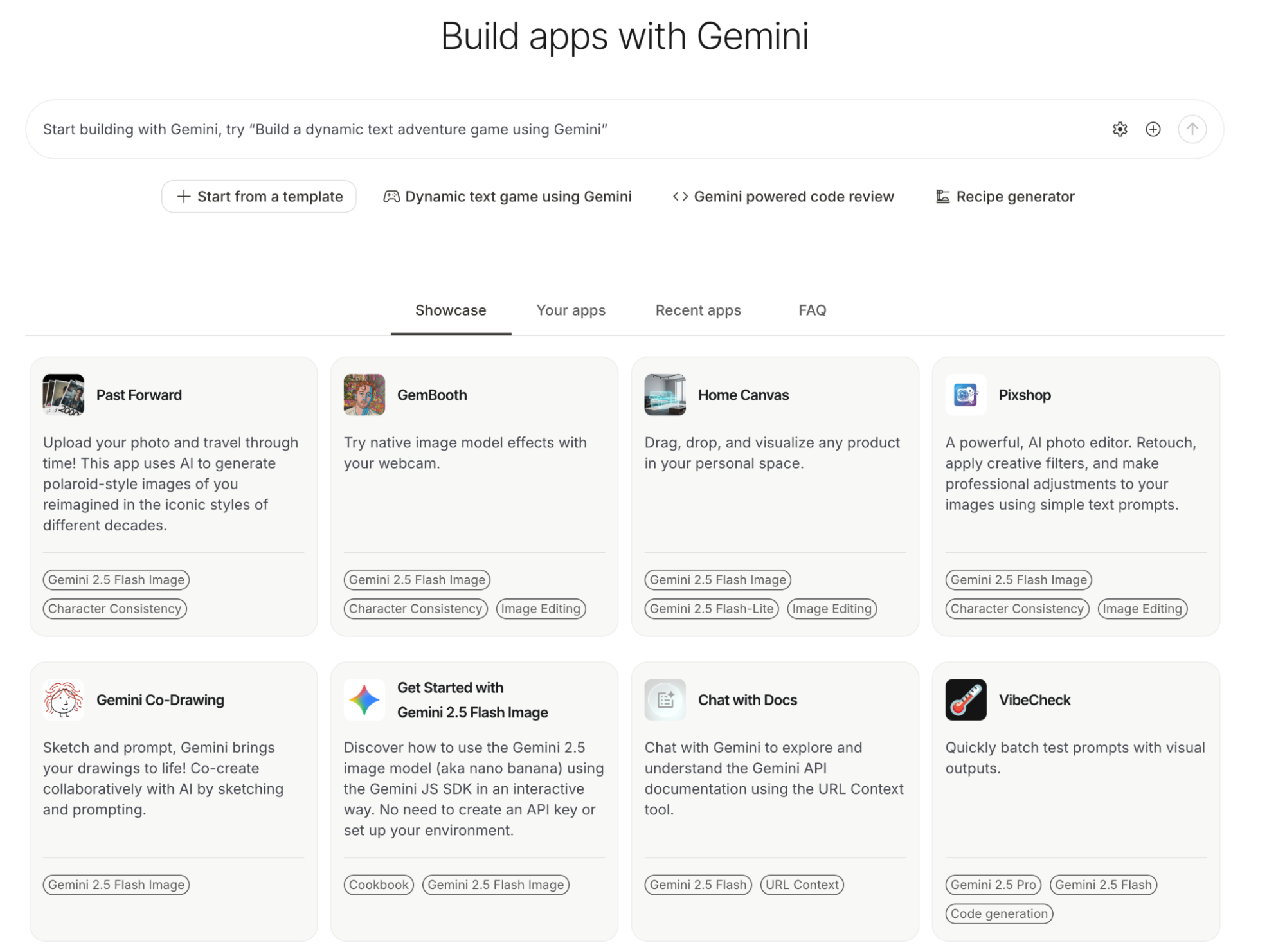
Lately, I've been using it to overhaul my automated daily report workflow.
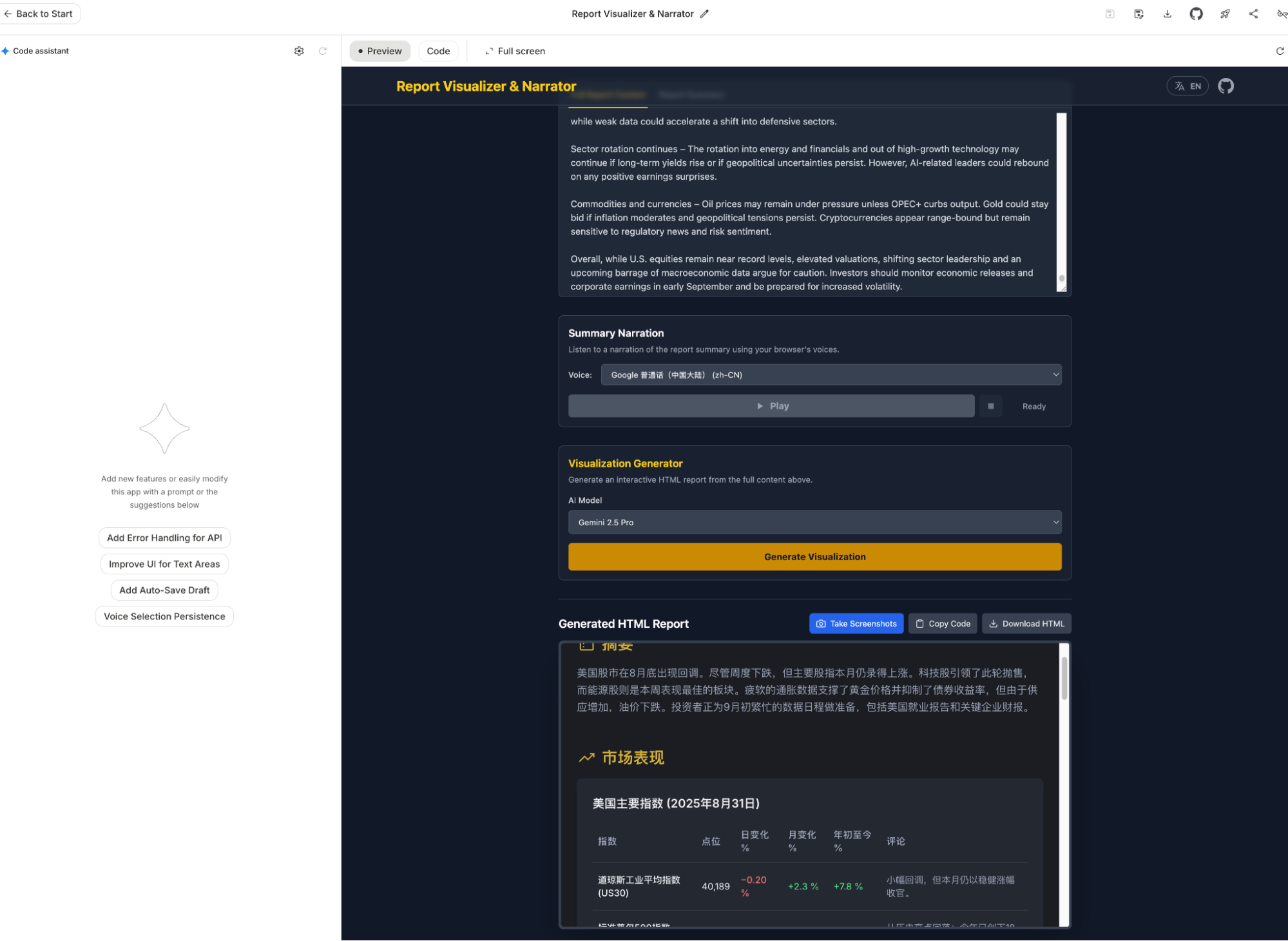
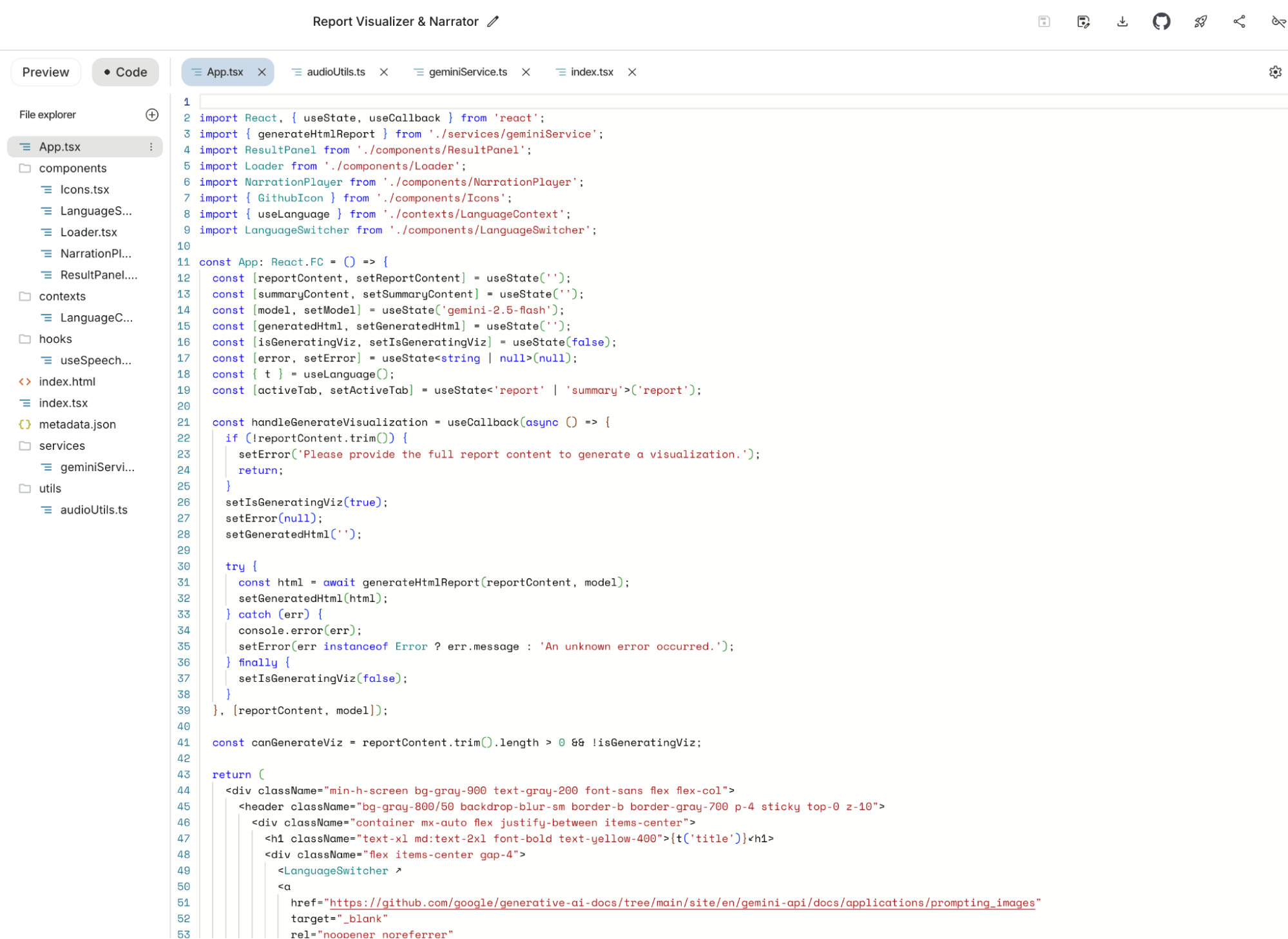
Before Build became this powerful, I had always wanted a web-based version of Cursor to test sudden ideas while on the subway or waiting for food (new ideas often strike when away from the desk). Google previously launched Firebase Studio and Jules (more on that later), but at the time, their capabilities trailed Cursor and Claude Code, they were too tied to GitHub, and Jules lacked previews.
Build solves everything: real-time previews, GitHub uploads, and one-click deployment via Google Cloud.
It does even more: nearly unlimited Gemini-2.5-Pro usage. While modifying the app above, I spent four or five hours having the model modify features—not just fix bugs—and it never flinched. Claude Code would have hit its 5-hour limit in an hour. Applications created in Build can integrate Gemini APIs, and if tested within the Build UI, API usage is unlimited. The model's generation capability feels stronger than Gemini CLI because it's focused, even outperforming Claude Code and Cursor in subjective experience.
You can use unlimited model resources to build and iterate until you're ready for production. You can even just keep the generated app within the AI Studio UI as a daily tool for free.
It probably doesn't support massive projects, but focused AI apps are exactly what Build is for.
Gemini is a mysterious model; its performance varies across different apps depending on how product teams tune it. But in Build, it performs at least as well as Claude—more complete, free, and unlimited.
I can almost see a certain person's face again.
That concludes AI Studio. Since we touched on code generation, let's look at Firebase Studio, Jules, and Gemini CLI.
First, Firebase Studio. To be honest, I hadn't used it for a while since the beta. I recently reopened an old project: Visual Editor.
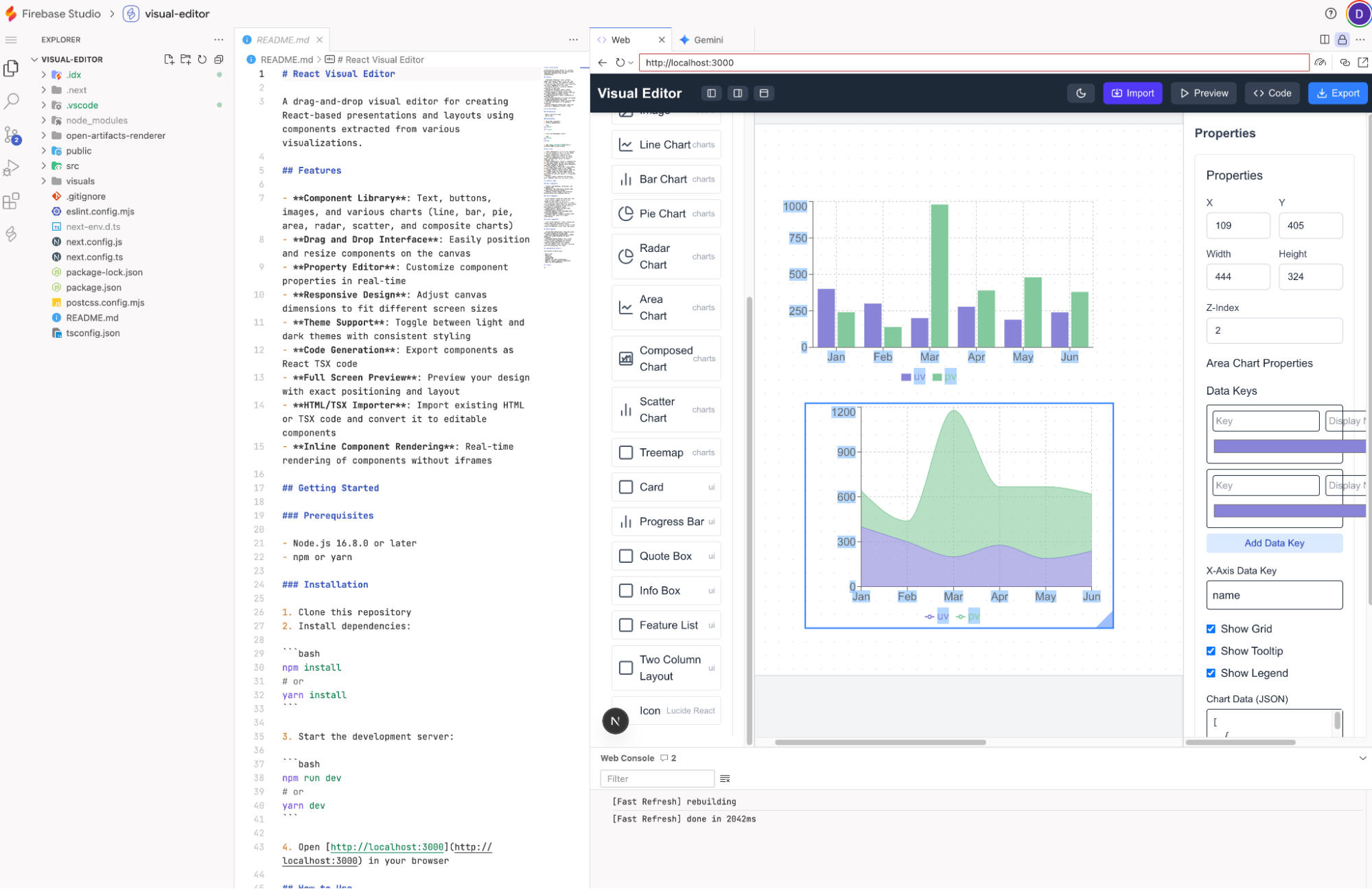
Upon reopening, I felt its "evolution." The UI is friendlier, the sidebar looks like a desktop IDE, and sandbox previews are supported. Its role is distinct from Build: Build is for small Gemini-based AI apps, while Firebase Studio is for general project development. I need to test if its coding ability has improved lately. It is free (limited) and shares the Code Assist quota (with Gemini CLI), giving free users 1,000 model calls a day (calculated based on Gemini-2.5-Flash).
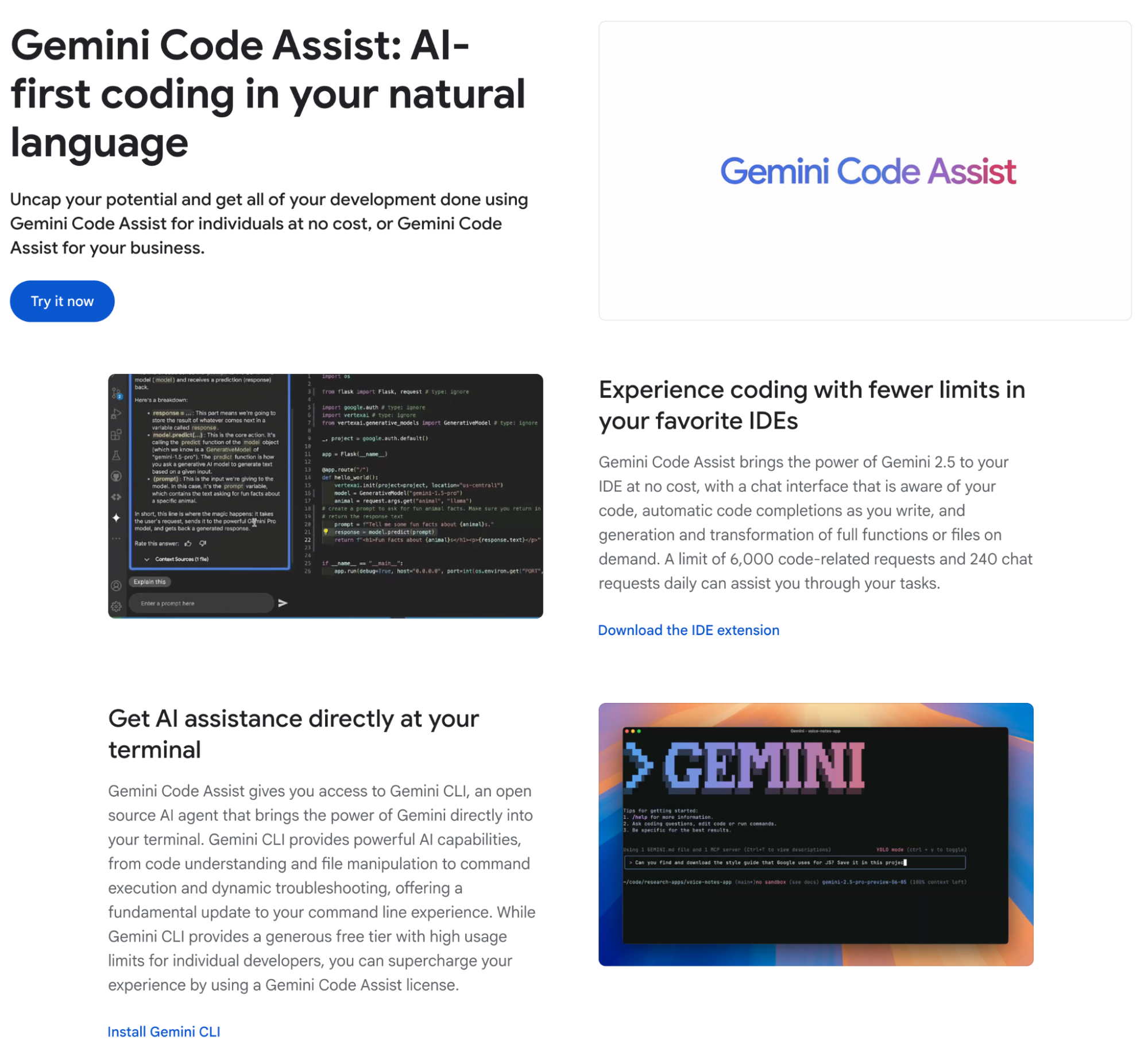
Briefly on Gemini CLI: I've written extensively about it and even released the open-source OpenResearch based on it. It’s positioned similarly to Claude Code or OpenAI’s Codex, but it’s more of an AI-based desktop system manager. It executes permitted OS commands, manages directories/files, runs third-party programs, and handles search/generation. It also has full project development features.
In short, it’s an AI OS "wrapper" disguised as a coding tool—the prototype of an AI Operating System.
Objectively, while Claude Code is stronger at coding, Gemini CLI is significantly better at the OS and internet search levels. This is due to Google’s ecosystem and their understanding of OS architecture. Plus, Gemini CLI is open-source, revealing the Google team's work on top of the Gemini model to inspire developers.
I could talk a lot more about AI OS, but that's for another time. So ends the Gemini CLI intro.
Jules: In retrospect, Jules is a strange product. I introduced it at launch, but found it mediocre. I mostly appreciated Google’s "aggressive" style of releasing new products.
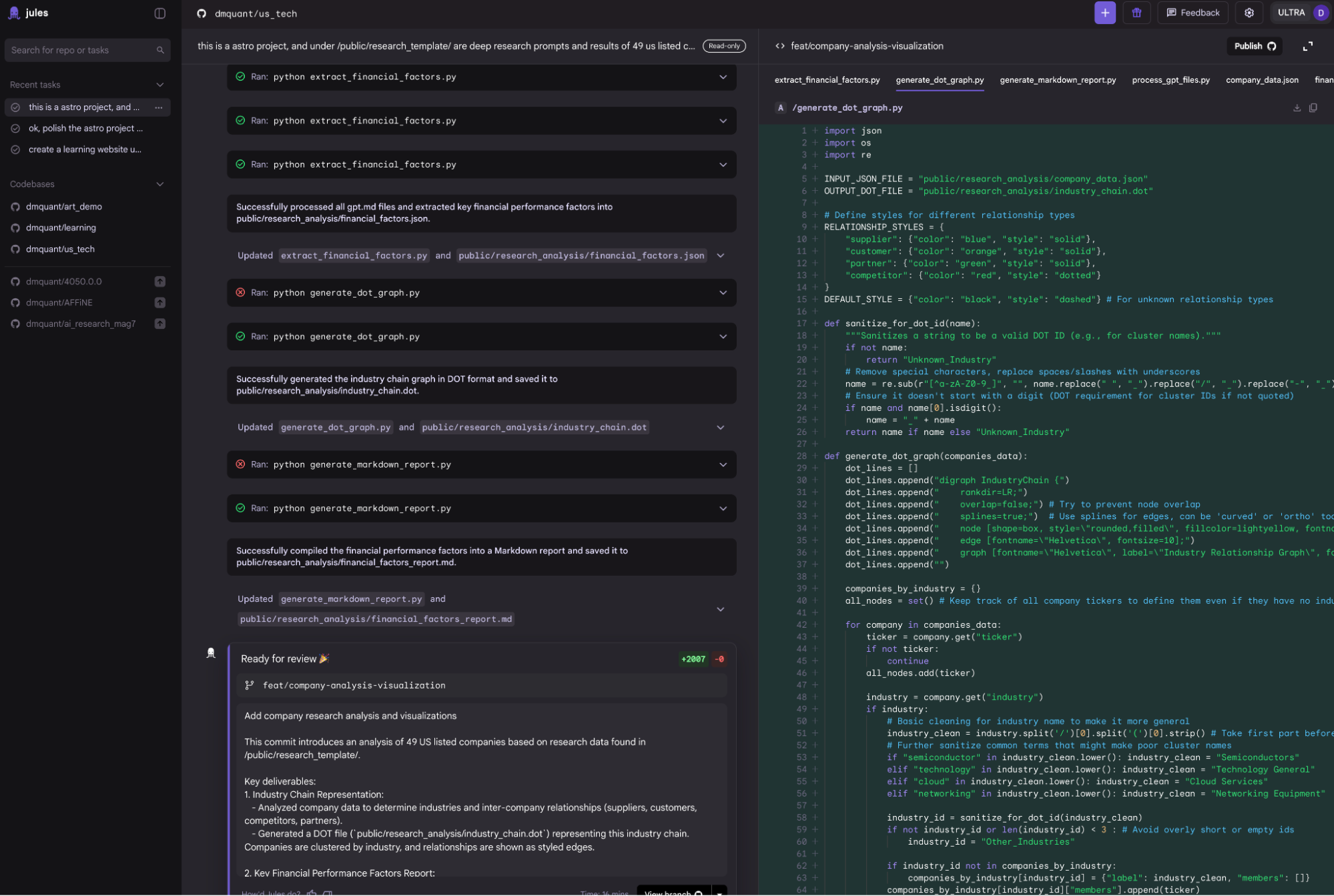
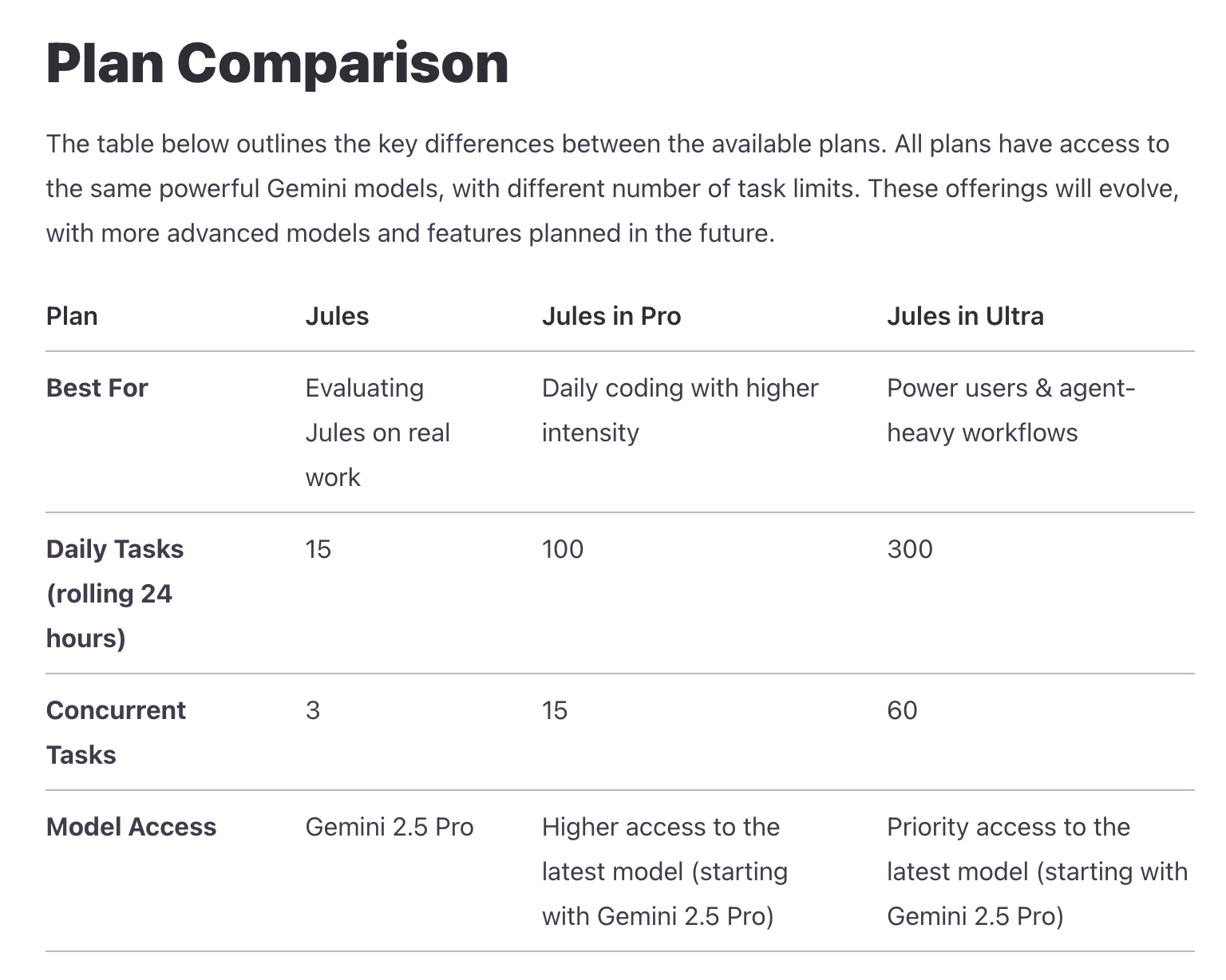
Since I haven't used it recently, the screenshots are from old sessions. Jules’ main feature is that it must be based on the user's GitHub projects and matched with GitHub workflows. It is a pure development tool without previews. It runs on the user's Gemini subscription (Google One); free versions have some quota, while the Ultra bundle provides plenty.
By now, many friends must be confused: finally figuring out the difference between Gemini and AI Studio, only for Firebase Studio, Gemini CLI, and Jules to show up. It's overwhelming.
This is the result of Google’s different internal teams and product lines, leading to fragmented user systems. Let's finish the apps first and discuss the user/product line issues later.
Now to the Google Labs ecosystem. This is a vast line where Google throws creative and experimental projects.
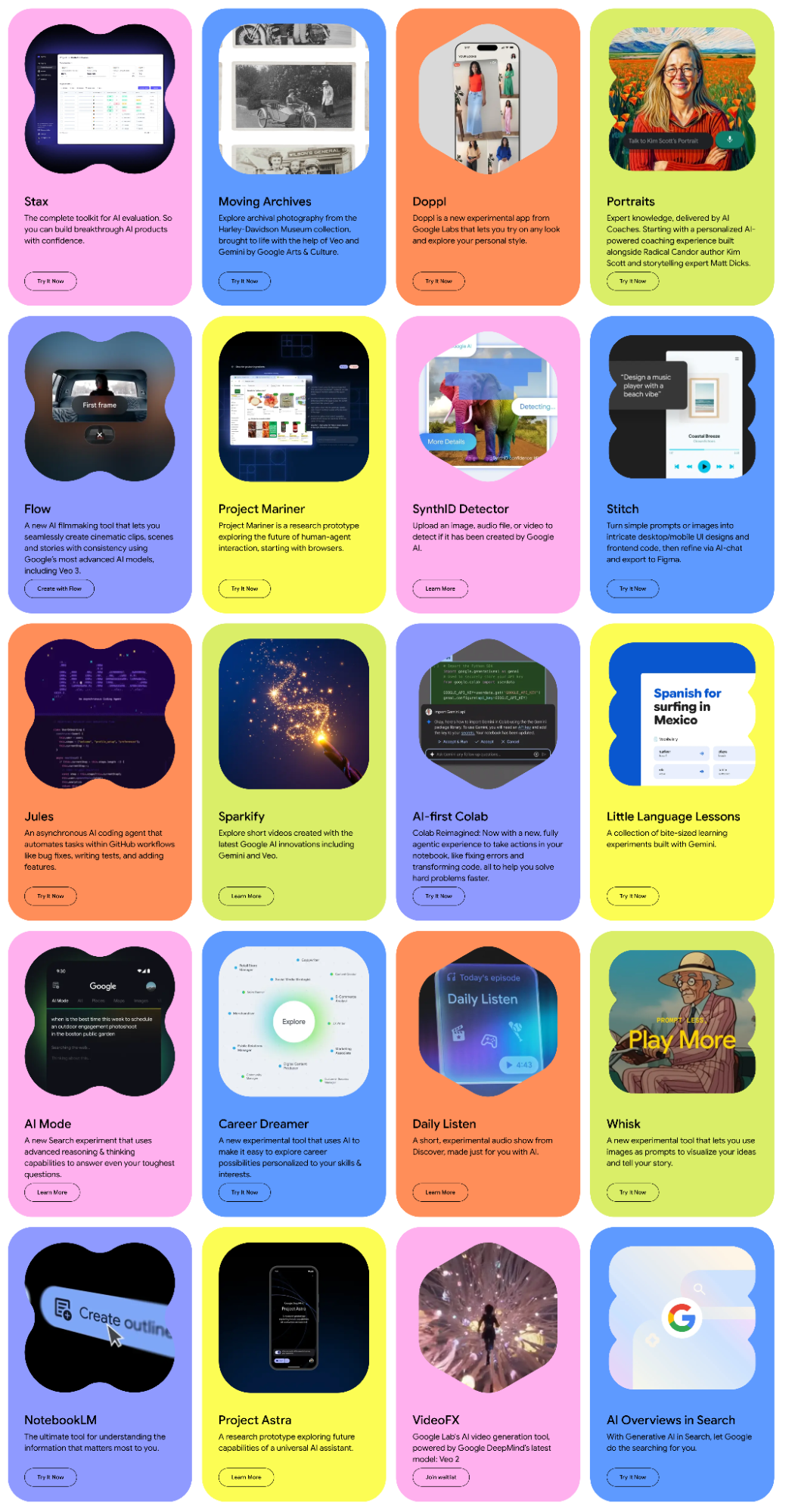
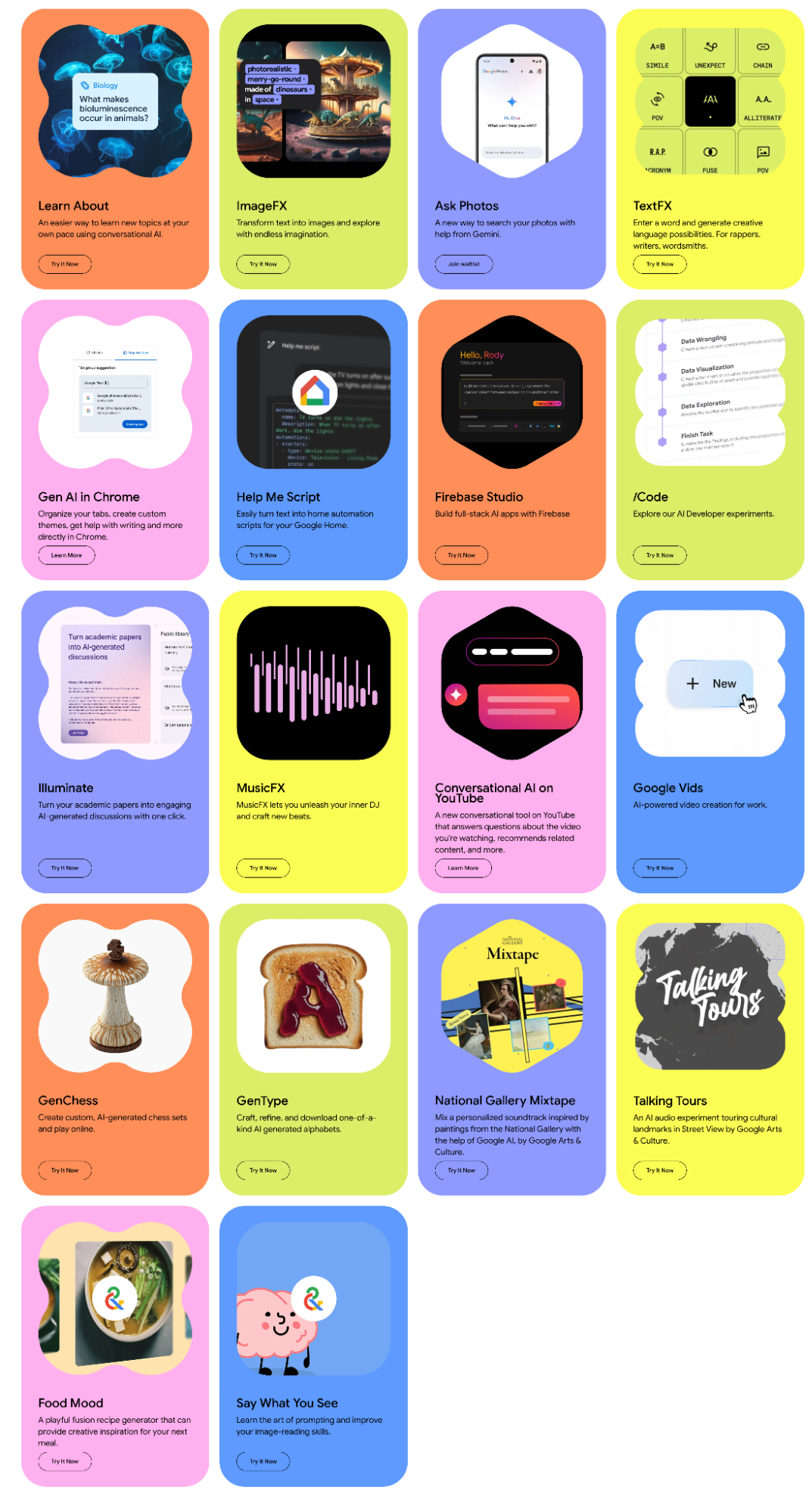
Strictly speaking, Project Mariner, Firebase Studio, and Jules fall under Labs. I can't cover them all, as some aren't strictly AI-focused and I haven't used all of them. I can introduce Stitch, Flow, and Notebook LM, and briefly mention VideoFX, ImageFX, MusicFX, and AI Overview (AI Mode).
First, Stitch. I mention it because it’s the bridge between code and "art"—UI design. I previously called it a miniaturized AI version of Figma. However, while optimizing a weekend project, my view shifted.
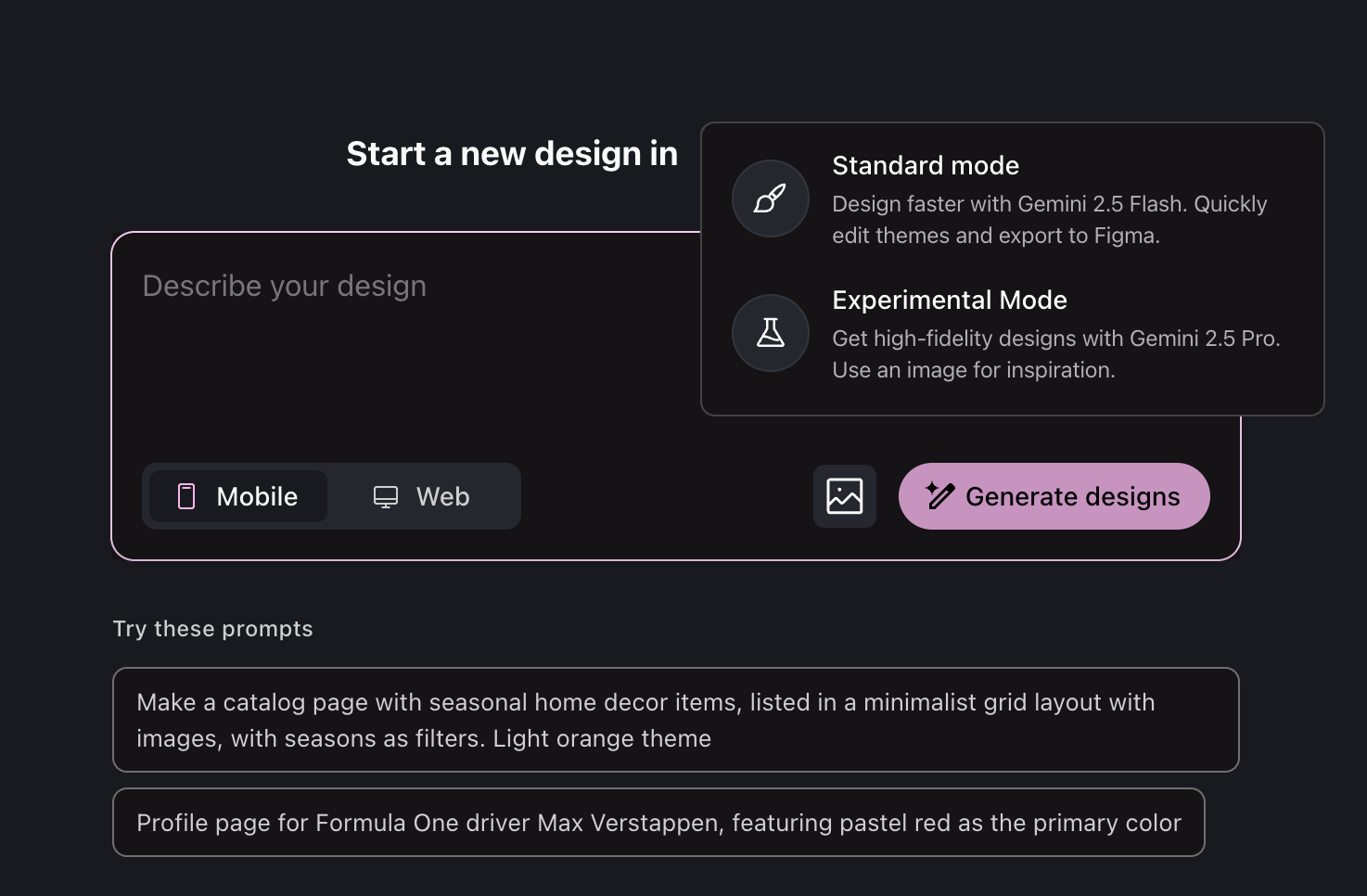
In a recent update, Stitch added an "experimental mode" that enhances its power but drops Figma compatibility.
I used Stitch to optimize the mobile layout for my daily reports. The one-click result generates HTML code, which I then feed into AI Studio’s Build for high-accuracy implementation.
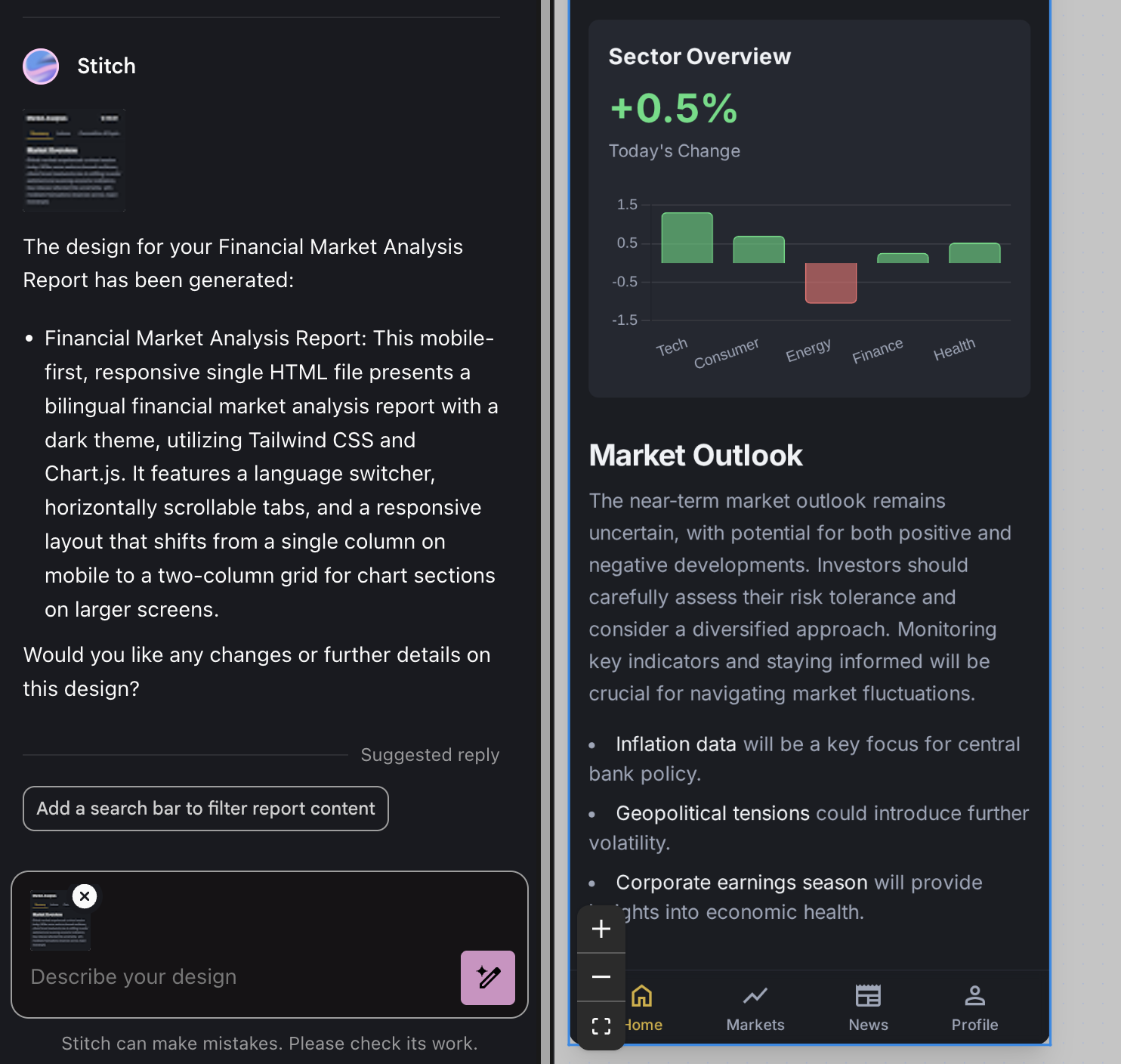
Stitch is a strong alternative when professional designers aren't available. In traditional frontend workflows, Figma is a standard. In the AI era, it can serve as a tool for PPTs or simple collateral.
But this wave of AI is changing workflows and is "anti-standardization." Perhaps the standard for the AI era is binary or tokens, which only models truly understand. The interface language between humans and AI is natural language infused with computational thinking.
Moving to design, there’s Flow: a video generation and editing tool based on Veo3. It’s better than Sora, as it can generate background music and lip-synced audio.

I've posted some "abstract videos" made with Flow. I haven't had much time for video models lately, but the Video Overview feature in Notebook LM and Opal integrates video models well. Soon, they will allow me to create new content as easily as I do with AI Overview audio blogs.
Google's product ecosystem shifts rapidly. VideoFX has essentially become Flow, and ImageFX is merging with a new tool called Whisk. Plans change: pink snowflakes falling on ice with a rustling sound—Gemini is already playing on the next level of multimodality.
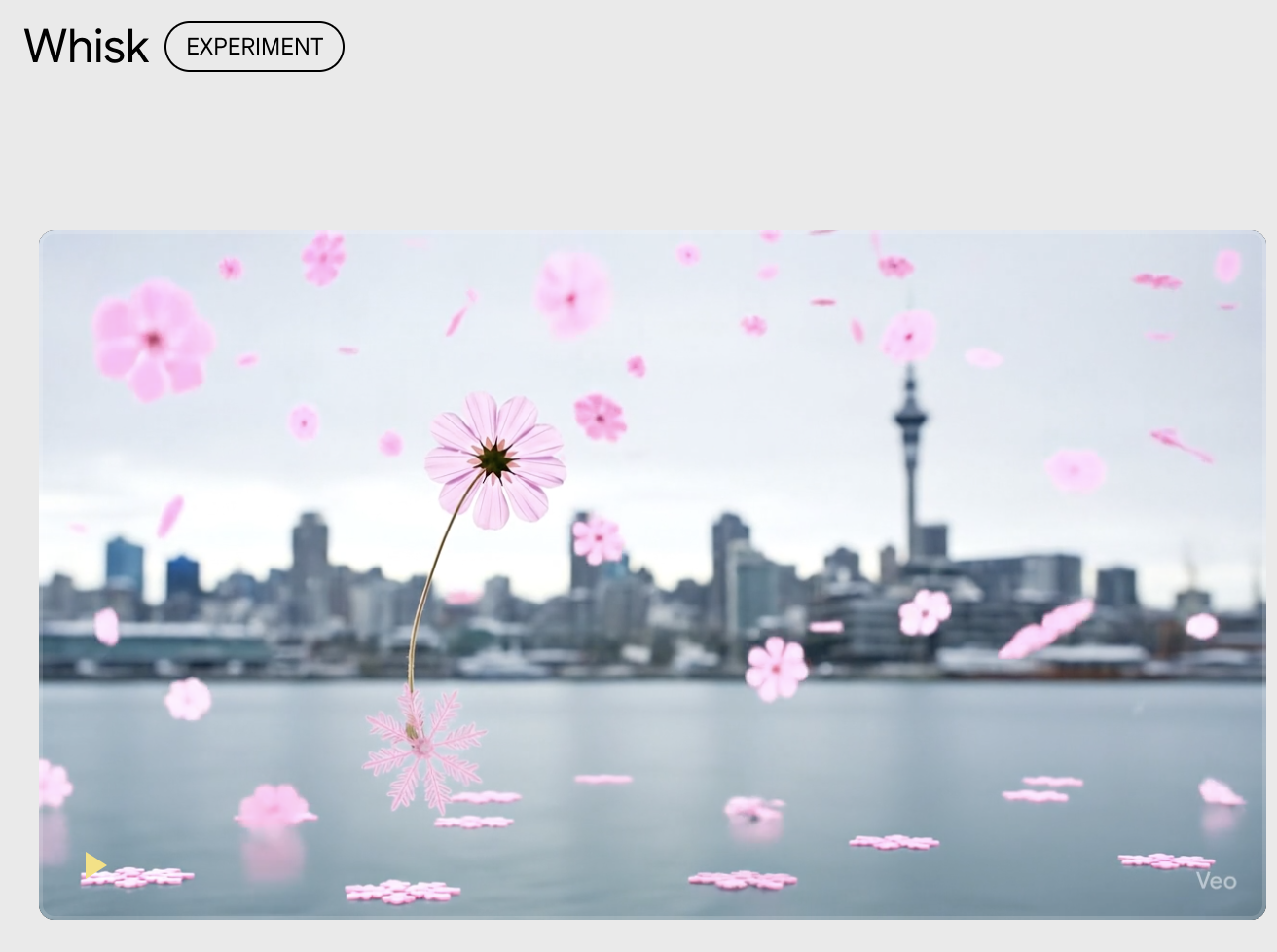
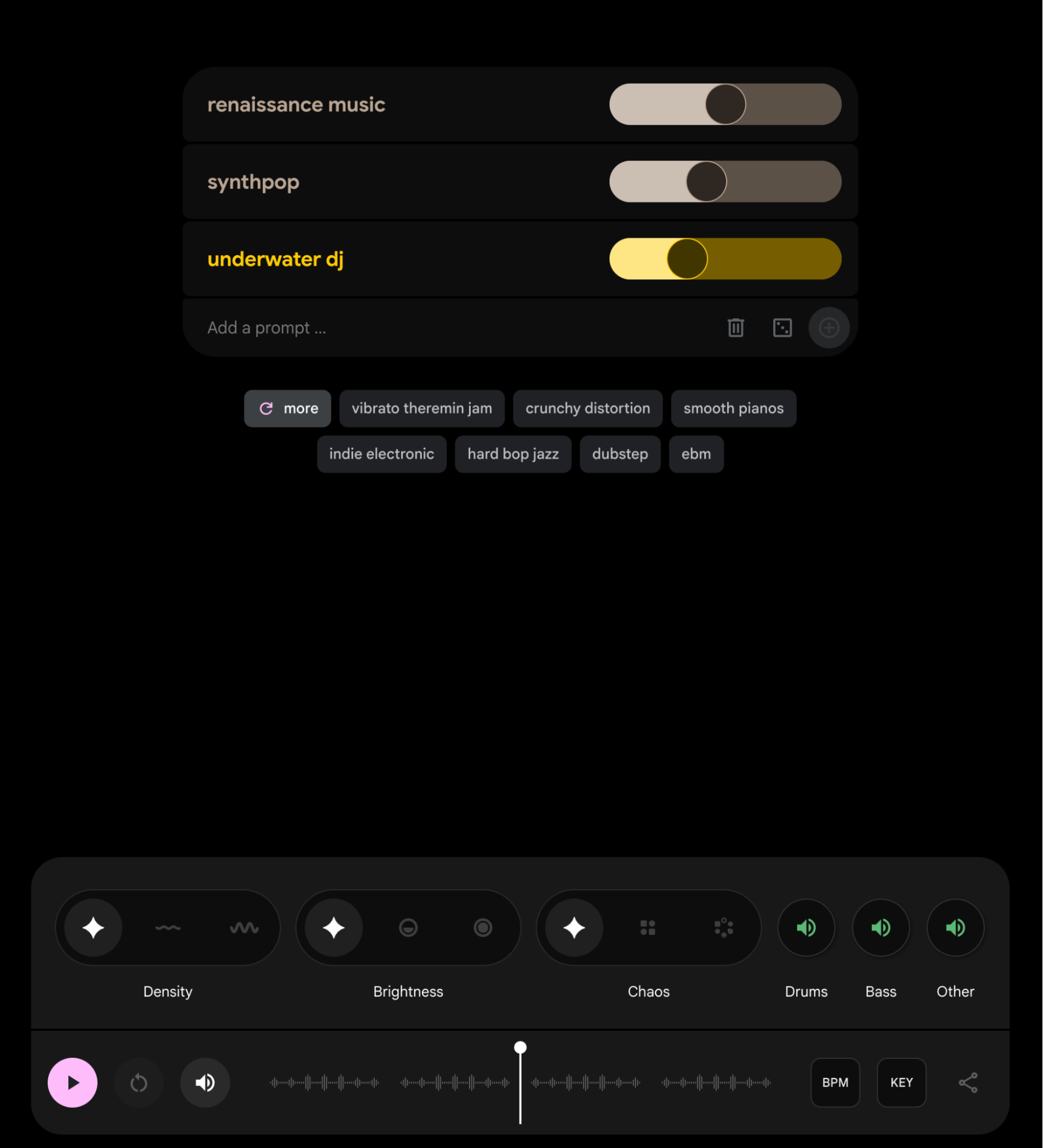
I don't know how to use MusicFX, the DJ tool. Not "don't," but "can't."
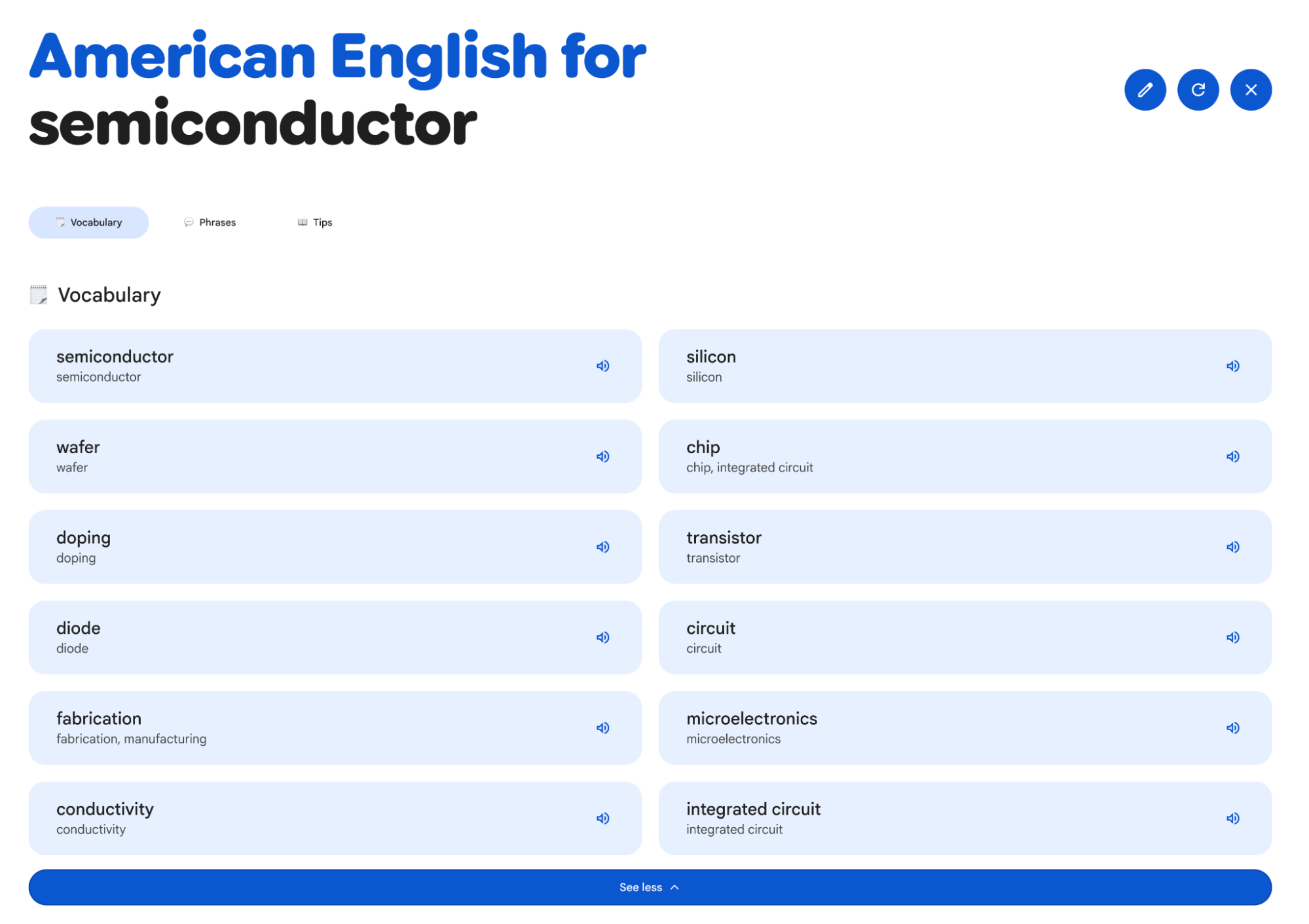
Labs also has fun stuff like Little Language Lessons.
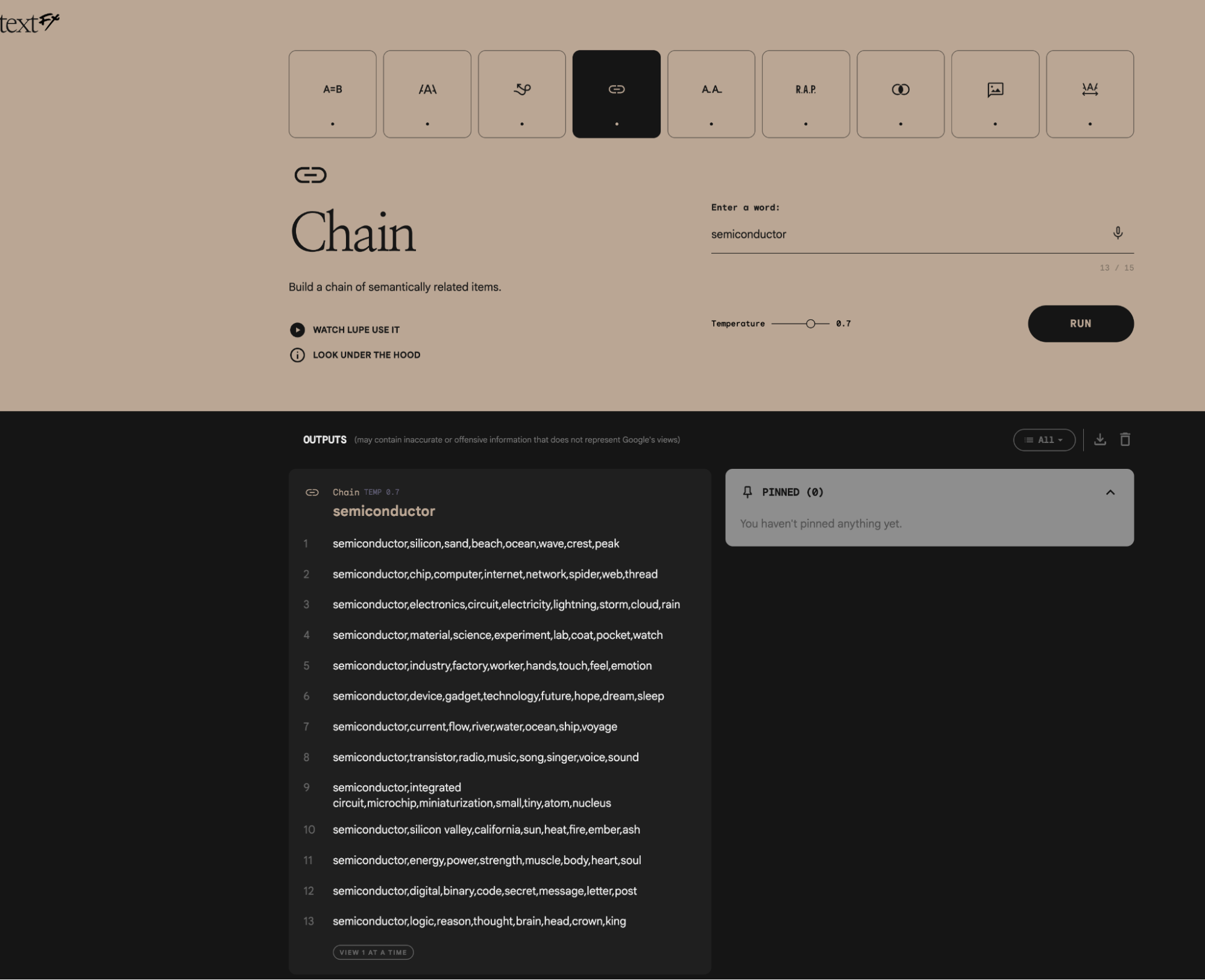
And TextFX.
Shouldn't the digital world be more fun?
Moving from the art gallery to the ranch: Notebook LM.
Notebook LM was the first Gemini-series app to go viral. Its 30-minute AI audio podcasts made many realize the true capability of Gemini models.
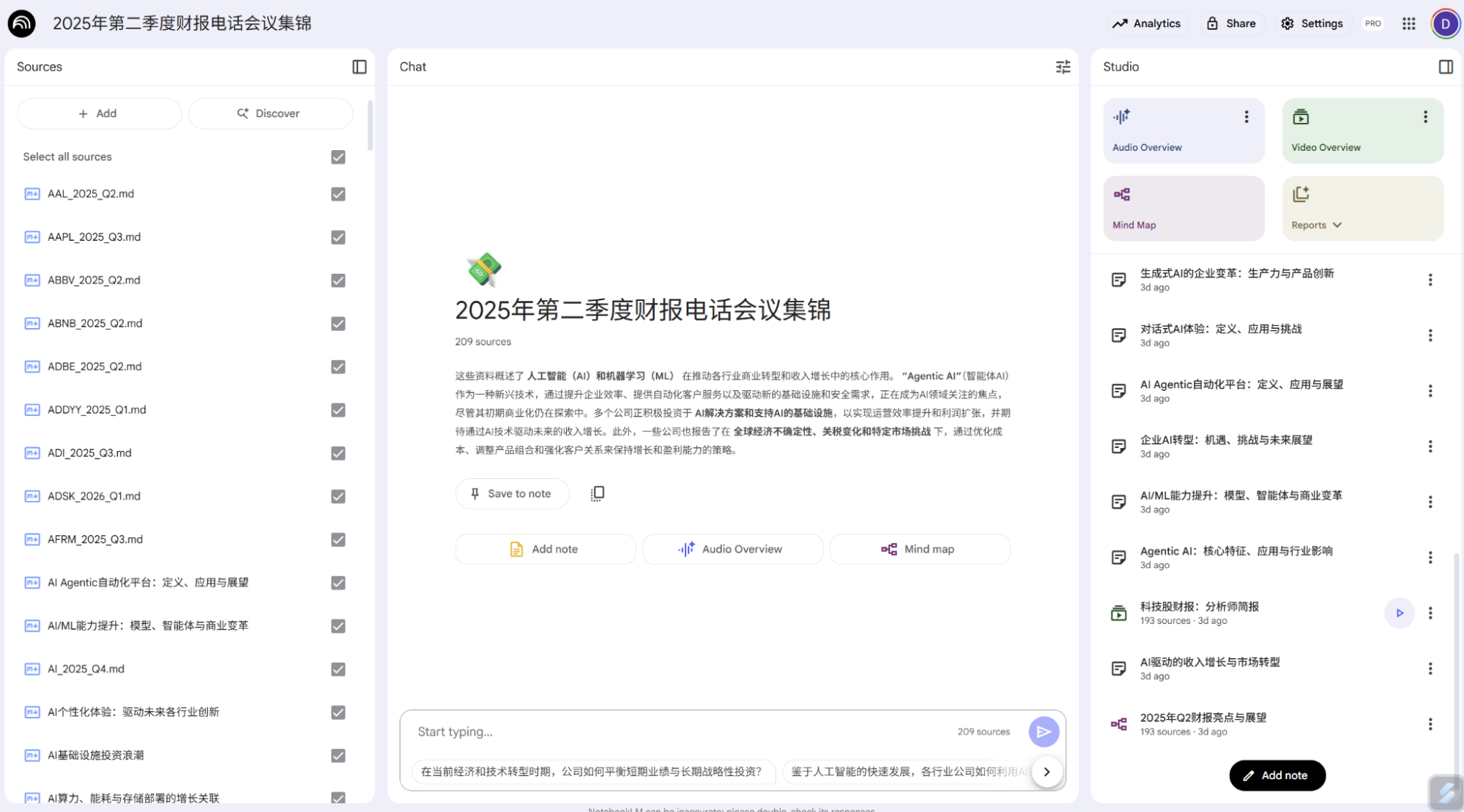
It’s now an incredibly useful tool, supporting up to 300 source documents, mind maps, multilingual AI audio podcasts, and multilingual Video Overviews (presentation videos). I recently showed results based on earnings call transcripts from over 200 companies; the quality was impressively high.
For me, Notebook LM is a personal information processing and learning tool. Audio Overviews serve as background audio while I work, letting me process information effortlessly. Video Overviews are great for learning; I could never cover so much information with such clarity and precise wording in such a short time.
As model capacity grows, the 300-source limit will surely rise. Notebook LM is already integrated with Google Drive, which links to Workspace and Gemini—a closed ecosystem loop. I now dump all non-confidential info into Google Drive without organizing folders, because the models handle the retrieval.
Finally, the "beast of burden": Opal (in testing). Last December, I wrote about TLDraw Computer using Gemini 2.0. I used it for daily news, text, and images with voice synthesis. As agents became popular (n8n, Dify), I waited for a Gemini 2.5 update from TLDraw, but Google released Opal—a significantly more powerful version.
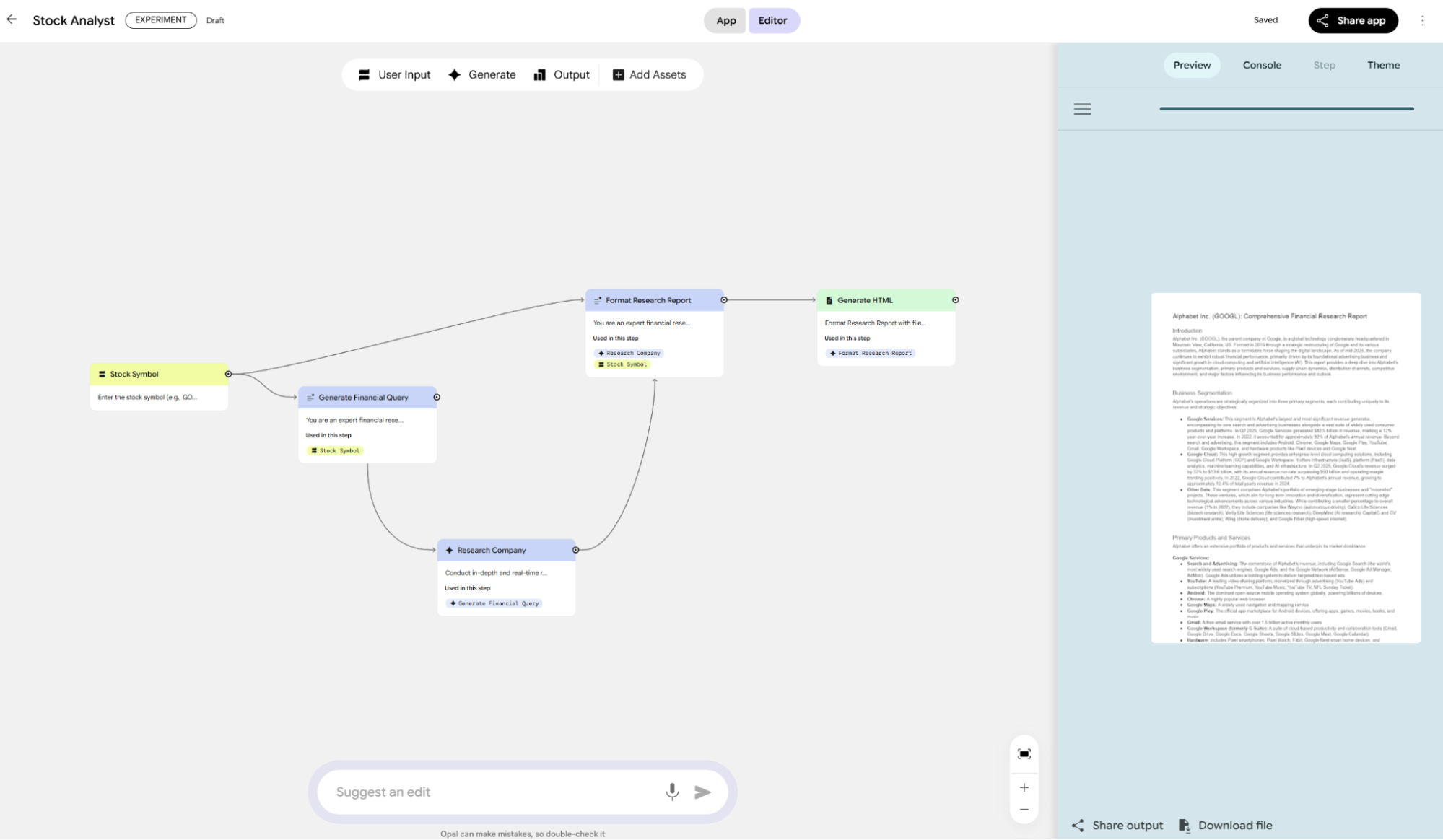
This is Google's only app that integrates almost all underlying models on one page: the latest 2.5 Flash Image (nano banana), Deep Research (using 2.5 Flash), AudioLM, video generation, music, etc.
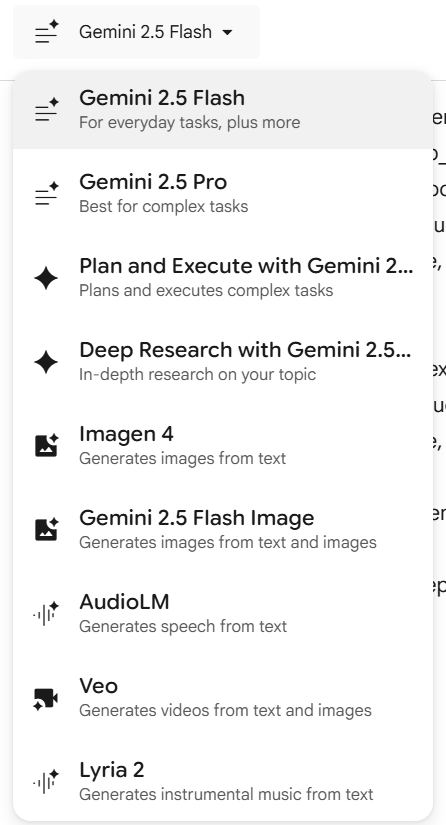
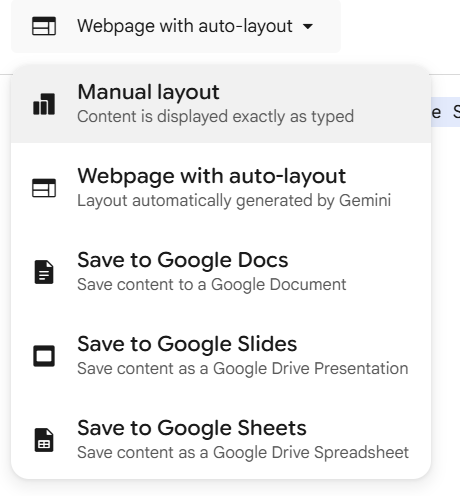
It’s designed to generate AI apps or prototypes. I love the Output module, which aggregates multiple outputs.
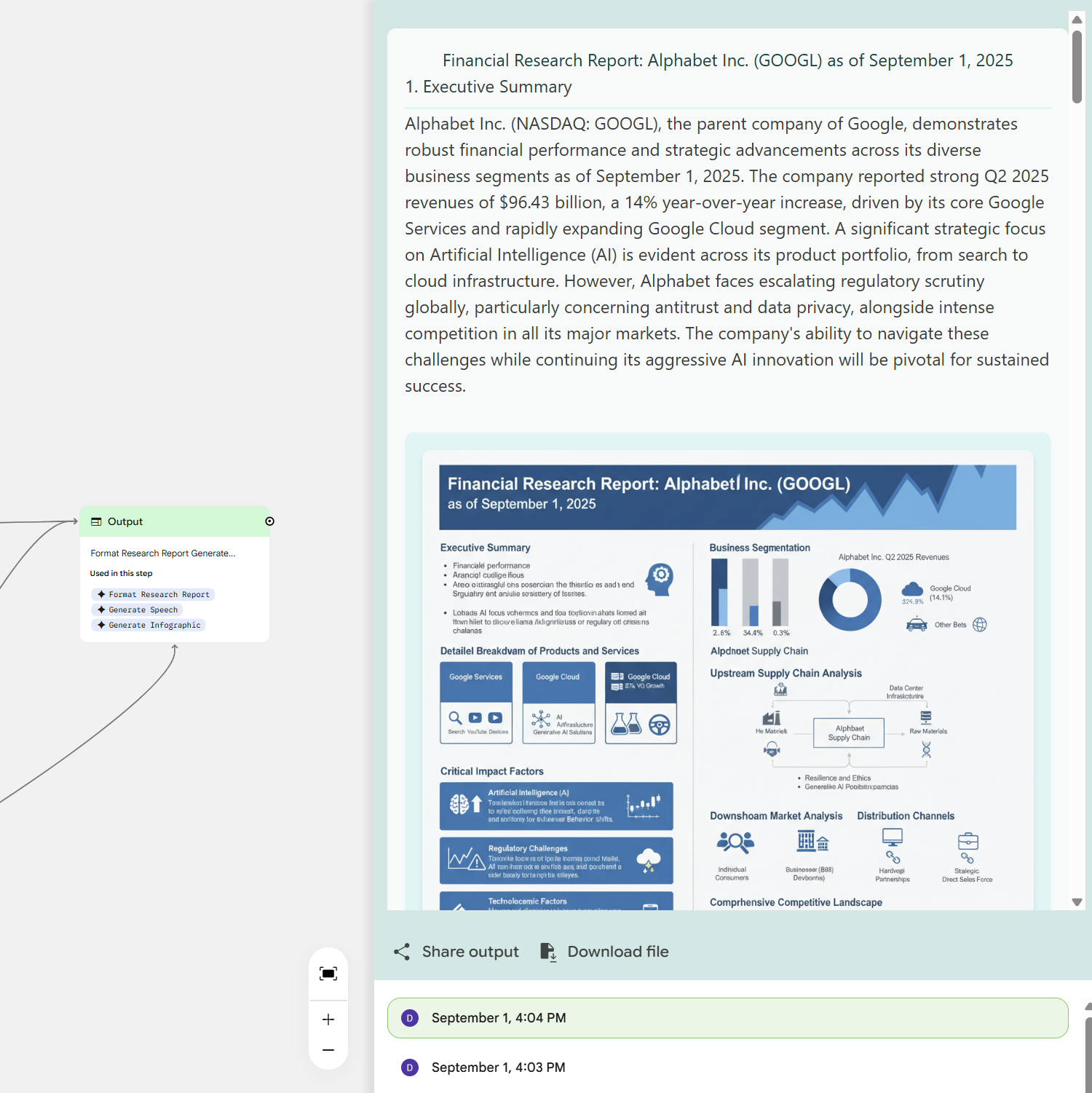
Again, a chance to show off the nano banana model's power.
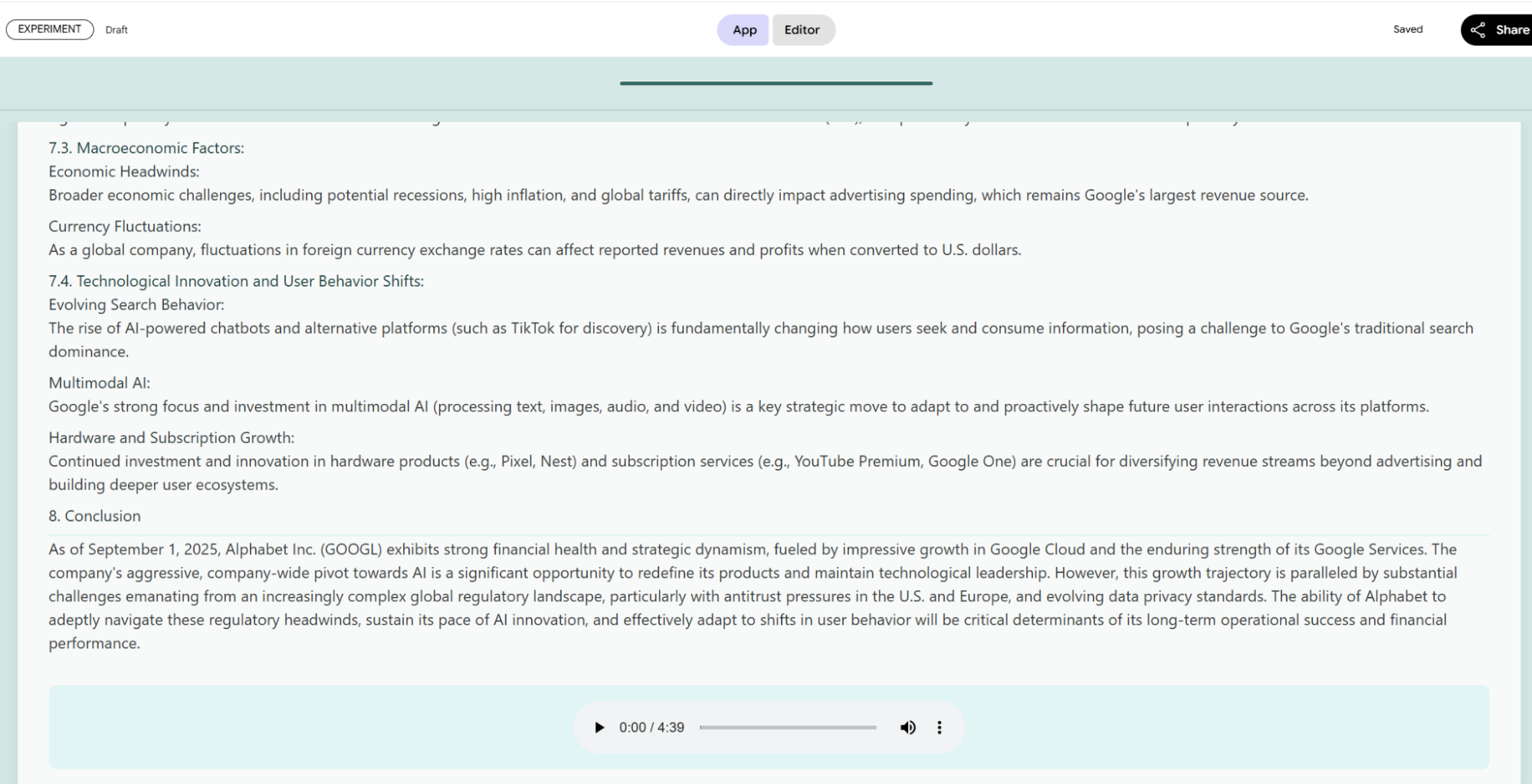
And listen to the audio.
I’ve finally mapped out Google’s AI apps. Many things weren't included, like Circle to Search, Workspace (the Office 365 competitor), Gemini-powered Colab, or AI Mode in search.
As I said, most of you are likely still confused. The products and user systems seem chaotic, and the models—while better than GPT—are dizzying.
This is Google today: multiple user systems and product lines.
Regarding user systems: Before generative AI, Google’s customers were mostly B2C or B2B (Google Cloud). Aside from Gmail, most consumers were developers. I prefer to categorize them as experimental customers versus production-ready customers. Developer tools are usually free and experimental, bundled with workspace utilities. When these developers need to deploy a product, they move to Google Cloud’s pay-as-you-go model.
When Gemini launched, it was free, but Google eventually segmented Gemini users into Google One (bundled with Workspace features like Drive storage and early access to models). This created confusion between Google One and enterprise Workspace services, which I spent a long time arguing with customer support about in 2023.
For developers—the easiest to convert to cloud revenue—Google has become even more accommodating. AI Studio was launched as a free, best-in-class Gemini-driven app. I used AI Studio exclusively for a long time; it's always the first place new models appear.
This creates two issues: if users are too happy with the free tier in AI Studio, why would they pay for Gemini or Cloud? And what do paying Gemini users think?
Google Cloud solves this by keeping developers in the AI Studio UI for "play," but forcing a move to Vertex AI for production deployment. AI Studio experiments migrate seamlessly to Vertex AI, aligning Google and developer interests.
Placating Gemini subscribers is harder. Fortunately, features like Notebook LM, Deep Research, and Deep Think are tied specifically to those subscriptions and Workspace resources (Drive, Docs, Gmail). Labs features like Veo3, Opal, and Project Mariner also add value.
This creates a relatively logical structure for Gemini users, developers, and Cloud users.
But new problems arise. Claude Code prompted Google to release Gemini CLI. However, user definitions became blurred. At launch, it supported logins via Gemini accounts, AI Studio API keys, and Vertex AI. The first two tiers provided 1,000 free Gemini-2.5-Flash calls daily.
Because Gemini CLI consumes many tokens, Google apparently cut the free API key quota in AI Studio and redefined Gemini users as Code Assist users, adding a "Standard" subscription package.
So, we now have four categories: Gemini App users, Code Assist users, Developers, and Cloud users.
It's a messy product hierarchy because products are either following users or underlying tech, and since everything is now Gemini-driven, internal competition and iteration cause this chaos.
However, for the user, it’s not all bad. Most users can stay comfortably in the Gemini ecosystem as features grow. Developers still have plenty of room for free experimentation.
With the most complete model matrix, strongest capabilities, highest free quotas, and full ecosystem integration, this is Google AI’s true final form.
Granted, despite lower barriers, using these apps well requires technical and business insight. They aren’t "one-click" solutions yet; integration requires effort.
This was the motivation for my article. Over two days—making this my second longest piece ever—I’ve tried to cover everything. I know there are gaps, but every app and feature I mentioned is something I’ve personally used and compared through iterations.
It was a worthwhile two days. Despite my confidence in knowing Google, I learned a lot. While this isn't a corporate case study, products are a company’s lifeblood in the AI era. Often, when we "research," the product is where we spend the least time. I’m often asked if my insights are from sources or my own thoughts. They are from experience, endless testing, and all available public information.