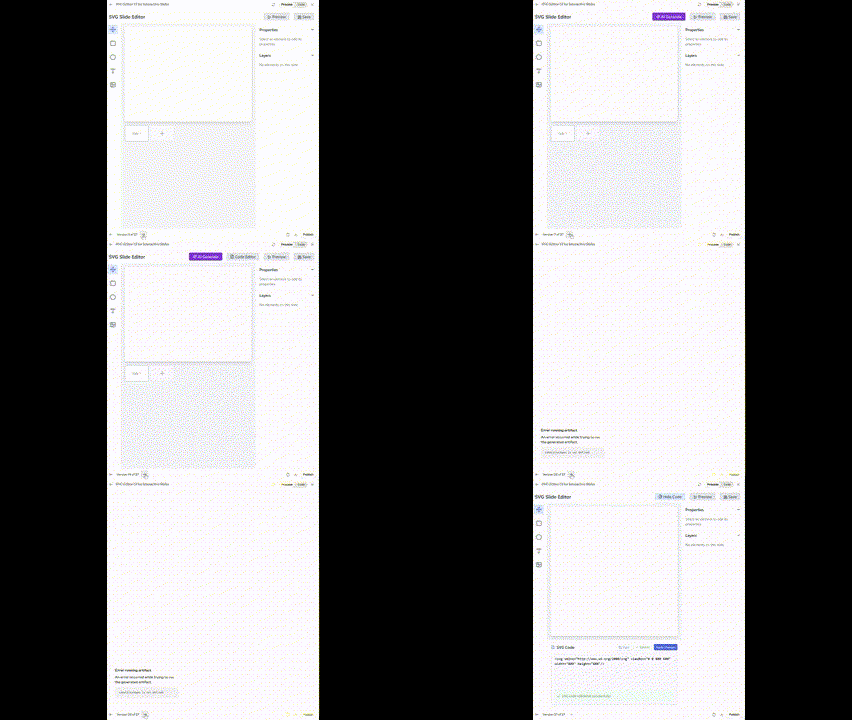
Oftentimes, after I have Claude generate some SVGs, I still need to adjust parameters—aligning objects, eliminating text overlaps, etc. However, modifying them directly in a text editor isn't very intuitive without a WYSIWYG environment.
I know there are plenty of SVG editors out there, but in this day and age, I still wanted to try letting Claude build one for me.
It gave me a basic version on the first try, but to add more features, I went through several rounds of interaction, including bug fixes. It took a total of 27 versions. During this time, I even considered adding AI generation capabilities, but I decided against it due to security concerns.
The final result is a TSX file of 950 lines and a total of 38,384 characters.

Of course, it has already taken shape functionally.
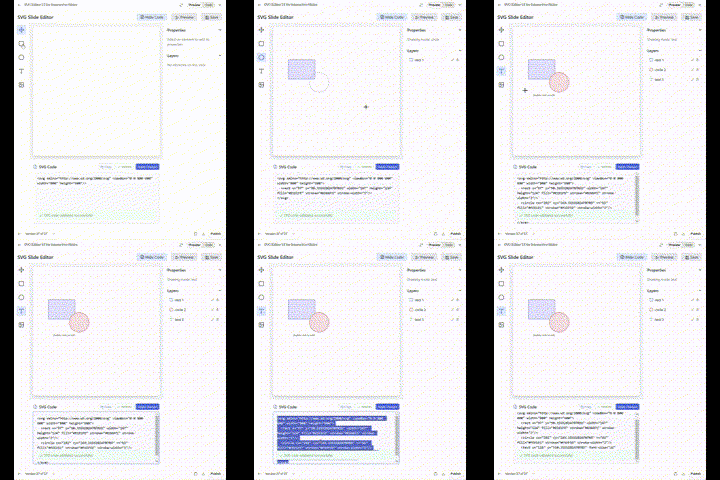
Yes, for me, the significant leap in AI programming capability offers a new possibility: when you need a tool, you no longer need to search, download, and install it. Just let Claude generate one and use it directly in artifacts.
Generate it when you think of it, discard it when you're done, and generate another next time you need it. I am exactly the type of person who hates software engineering, especially since modern software engineering has long deviated from what programming should actually be. Now, AI has brought that essence back.
However, hating software engineering doesn't mean I think a program should only consist of a single file. I've envisioned many potential future capabilities for this SVG editor, so I decided to start a proper project based on it.
Normally, my practice would be to feed this functional TSX file into Claude, GPT, and Gemini, get their suggestions on project structure, and then manually complete it in Cursor under the models' "guidance." This process usually requires multiple manual fixes for configuration issues, component design, and references.
In fact, without a "fight to the finish" mindset, the probability of the project running smoothly is less than 20%—no, less than 10%—actually, it's basically zero.
Many painful lessons have slowly made someone who swore never to learn frontend frameworks become familiar with React and Next. Starting out to be lazy, I ended up changing my original intent, studying hard, and researching diligently.
But this time, I unexpectedly changed my method.
I knew Cursor had introduced an agent feature since version 0.46. I hadn't gone out of my way to try it recently, still planning to work semi-manually. But during the process, I suddenly realized I had triggered the agent, which began working behind the scenes in a way I wasn't used to, completing a lot of tasks automatically.
So, I stopped the ongoing project and started a fresh one (initializing a Next.js project). I gave it a project structure designed with the collaboration of the three major models:
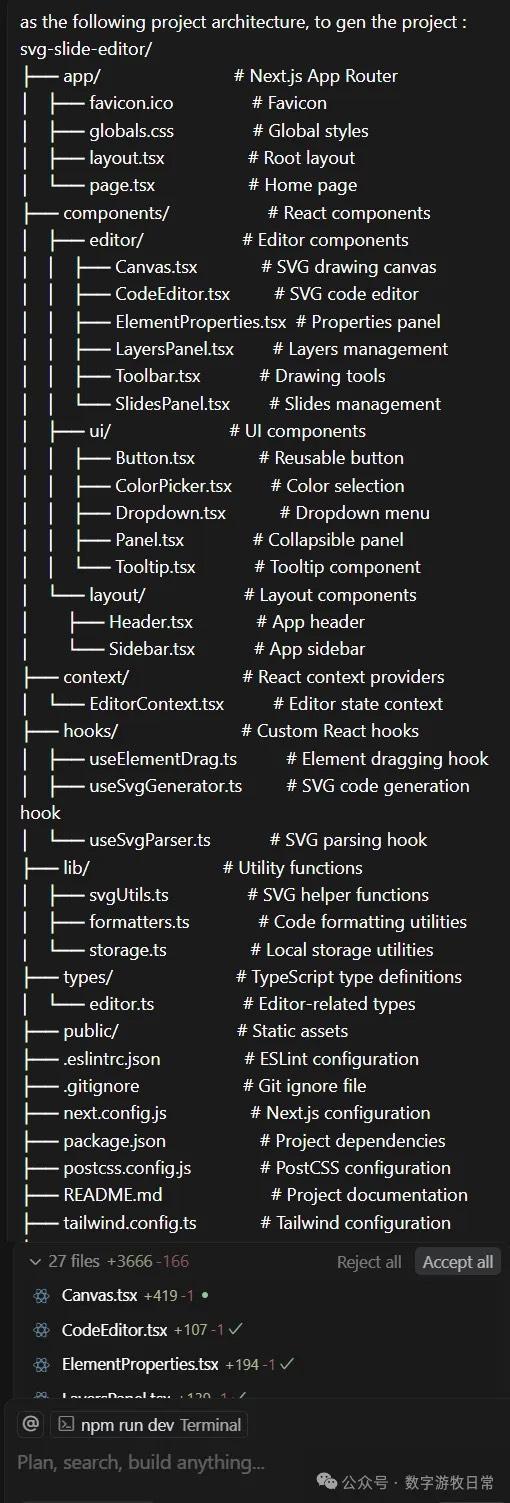
Cursor got to work.
After completing 25 tasks, it reached the system's default pause limit and asked if I wanted to continue.
My command was to continue.
And then, we reached the state shown below.
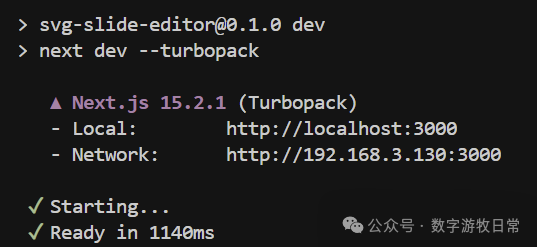
It generated everything in one go. Of course, when opening the page and entering the compilation phase, some errors occurred. I simply added the error messages to the chat and fixed them over a few rounds.
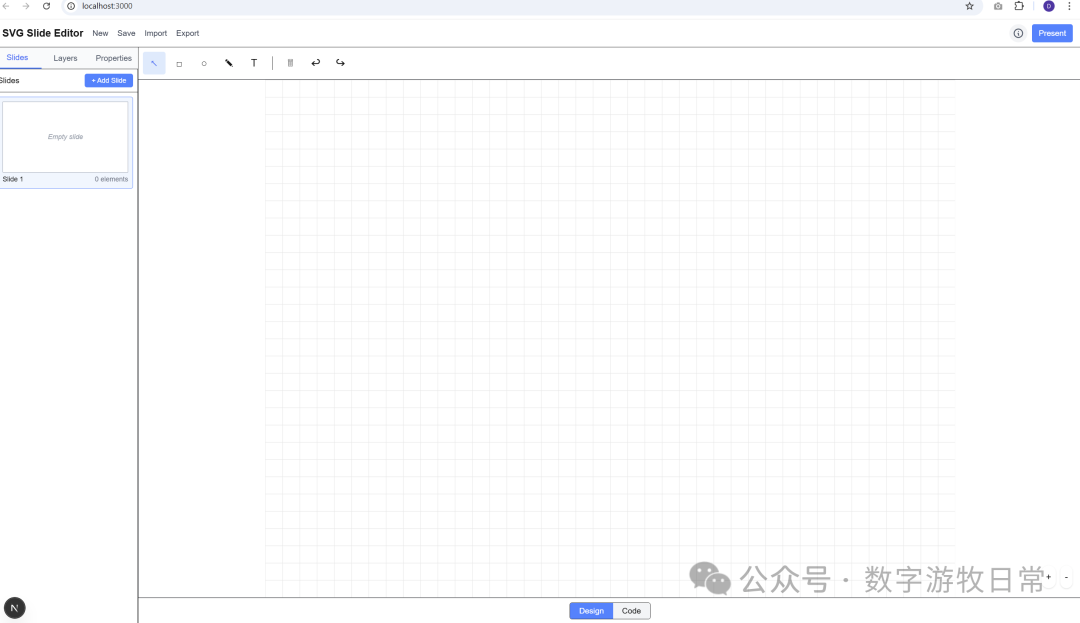
The first version was out. Naturally, the interface didn't quite meet my requirements, and many functions weren't working properly.
So I continued the dialogue and corrections. I uploaded a screenshot of the layout from Claude.
Yes, the process of fixing errors required some back-and-forth, but throughout the entire process, I did not modify a single character of code myself, nor did I provide any hints about possible bugs. I restricted myself to only three types of prompts: 1. Telling it what feature I wanted; 2. Which feature was malfunctioning; 3. Error messages returned by the system.
I suddenly wanted to see how far AI could take this project using only these three types of prompts.
After about three or four more rounds of interaction, the following page was achieved.
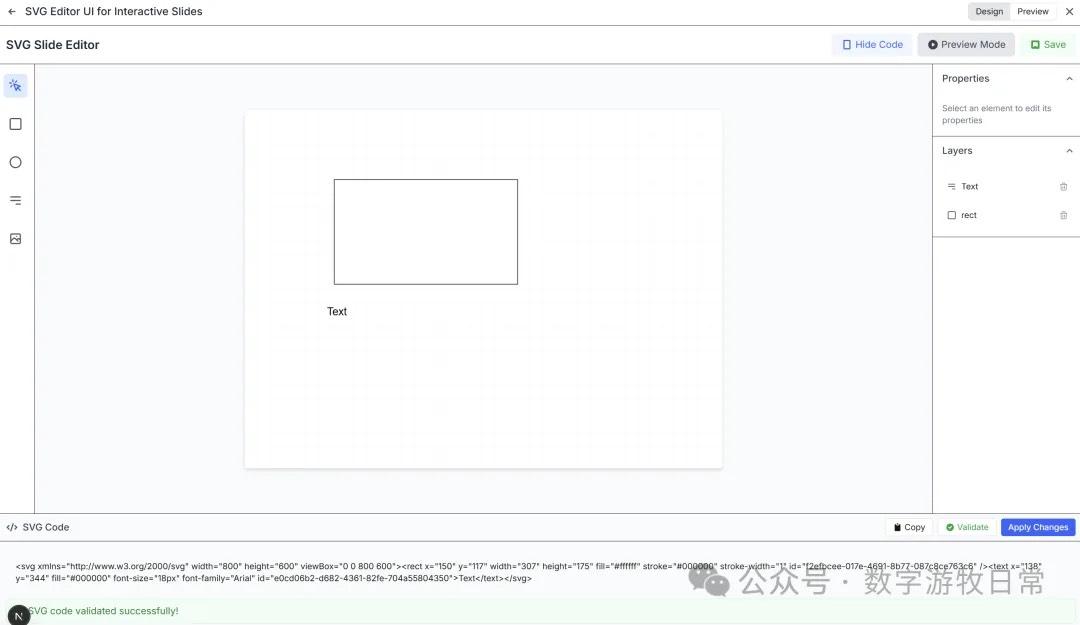
Of course, I could successfully paste code generated by Claude. Although there are still some small display issues, that's simply because the features aren't comprehensive enough yet.
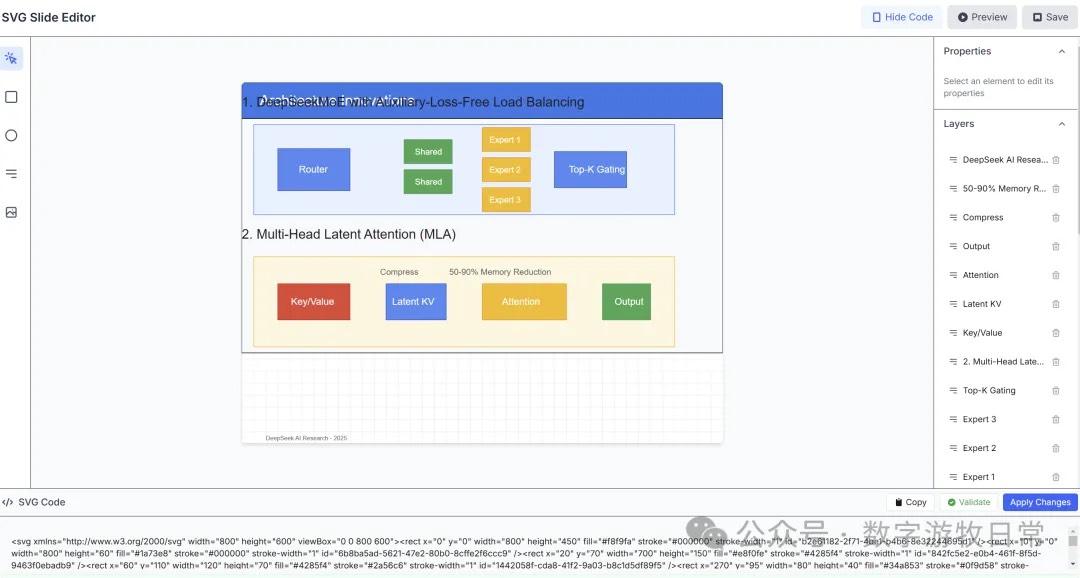
I decided to take it a step further: could it submit the code directly to a GitHub repository?
It didn't succeed on the first try due to a security setting conflict on my GitHub. Once I resolved that conflict, the submission was successful.
Suddenly, a thought occurred to me: I want to see how far this project can go while I insist on using only those "three types of prompts."
I set the project to public on GitHub:
https://github.com/dmquant/svg-slide-editor
I also deployed it on Vercel: https://svg-slide-editor.vercel.app/
Since I will use this tool myself, I'll likely update it from time to time. Of course, using only the restricted dialogue method mentioned above, the model might soon be unable to implement new features or fix code successfully.
That's okay. Whenever it gets stuck, I'll stop, wait for the models to update, and try again. Perhaps this could even serve as a method for model testing.
At this moment, I know the model can still move forward because I just added another small feature.
However, I'm tired and can't push any further today. This is where it ends for now.