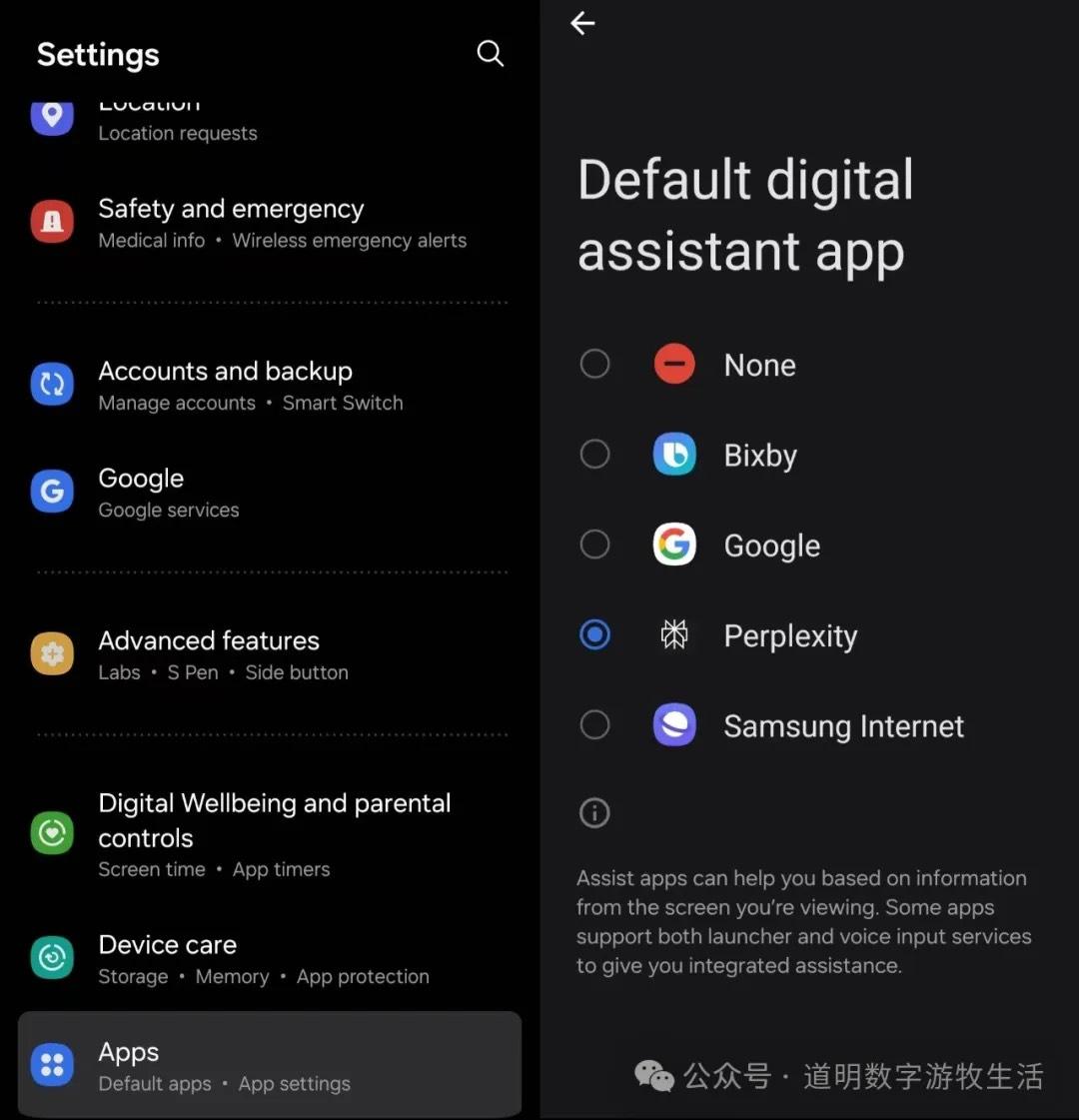
Perplexity has launched its mobile AI Assistant, currently limited to Android (as permissions are restricted on iPhones).
Yes, it's far more sincere than OpenAI.
As long as you configure the app as your default "assistant" in settings, you can call it by swiping from the bottom left corner to the center of the screen. While not completely hands-free, it's quite good.

One thing Perplexity does well is displaying text transcriptions during voice conversations. This is extremely friendly for non-native English speakers like us, creating a free and practical language environment while using the assistant.
I tested the features listed in Perplexity's navigation one by one. Due to privacy concerns, screenshots use Perplexity's official examples, but I will describe my findings and impressions directly.
Feature 1: Playing Songs.
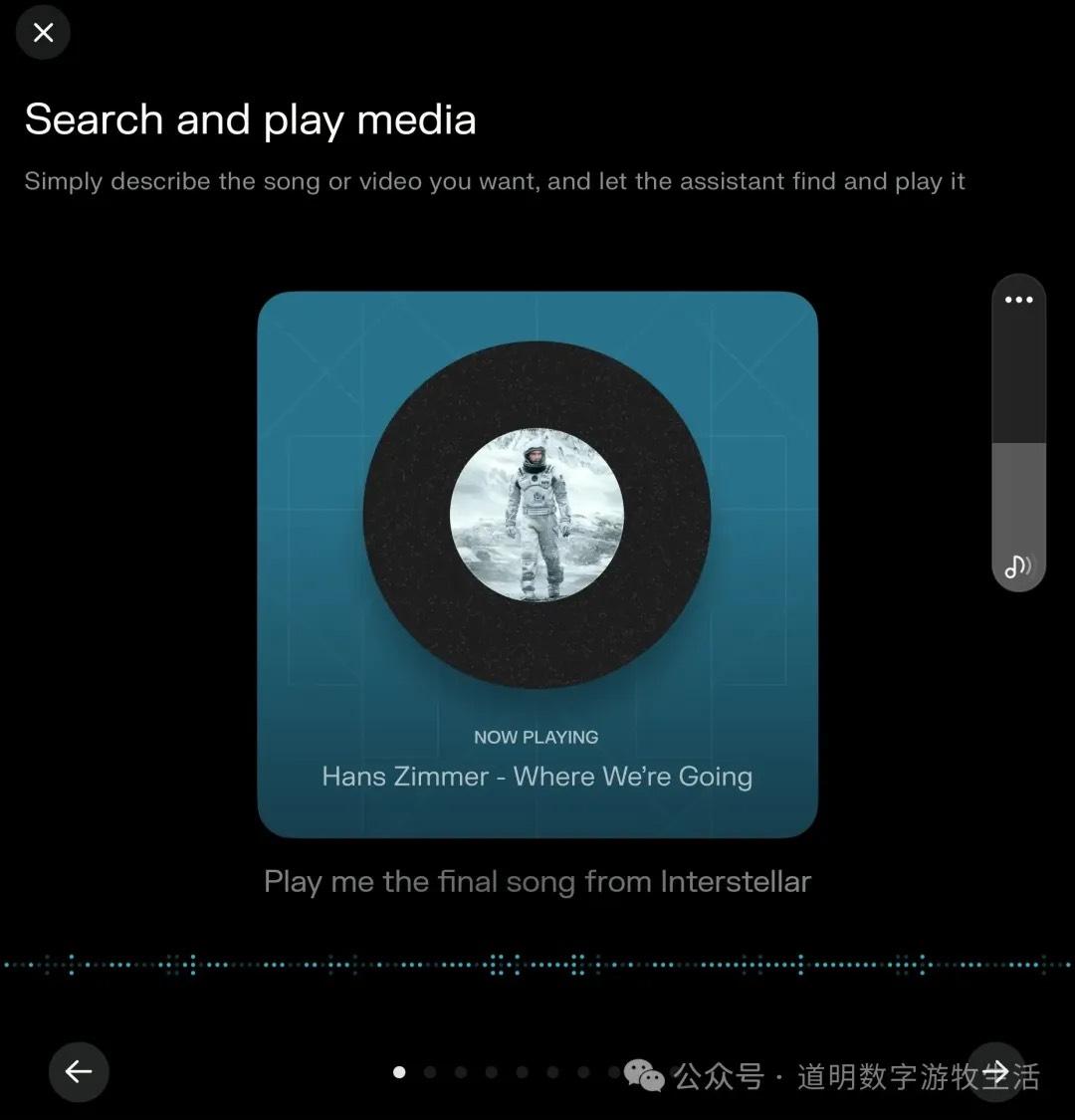
How much does the development team love Interstellar or Hans Zimmer? (Of course, I love Hans Zimmer too, especially the organ recording at London’s Temple Church—absolutely stunning, but I digress).
My test results showed that the assistant defaults to opening Spotify and asks me to log in, even if I don't have Spotify installed and even if I specifically requested "Apple Music." The result was always Spotify.
This clearly illustrates one point: Perplexity Assistant just calls preset APIs rather than interacting directly with apps installed on the phone (the OS wouldn't grant such permissions anyway, even on Android).
That was my conclusion yesterday. However, I suddenly realized Spotify was hidden in a corner I hadn't noticed. When I deleted Spotify, a little surprise occurred.
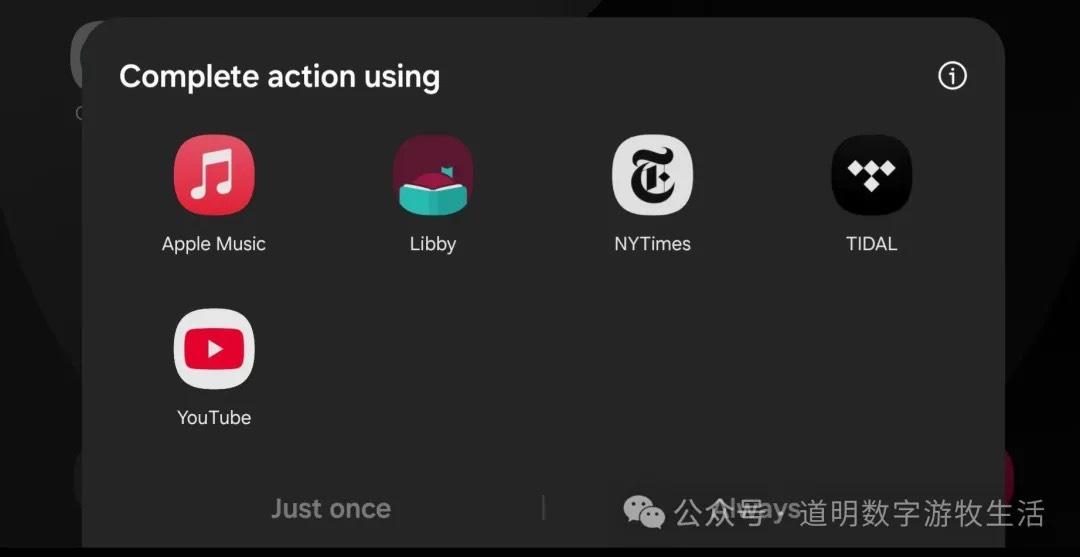
The program asked me to specify which app to call. I chose Apple Music without hesitation, and it worked.
So: Perplexity Assistant can open apps, but once opened, it cannot perform further operations unless the task is fully "assigned" from the start.
Feature 2: Reminders
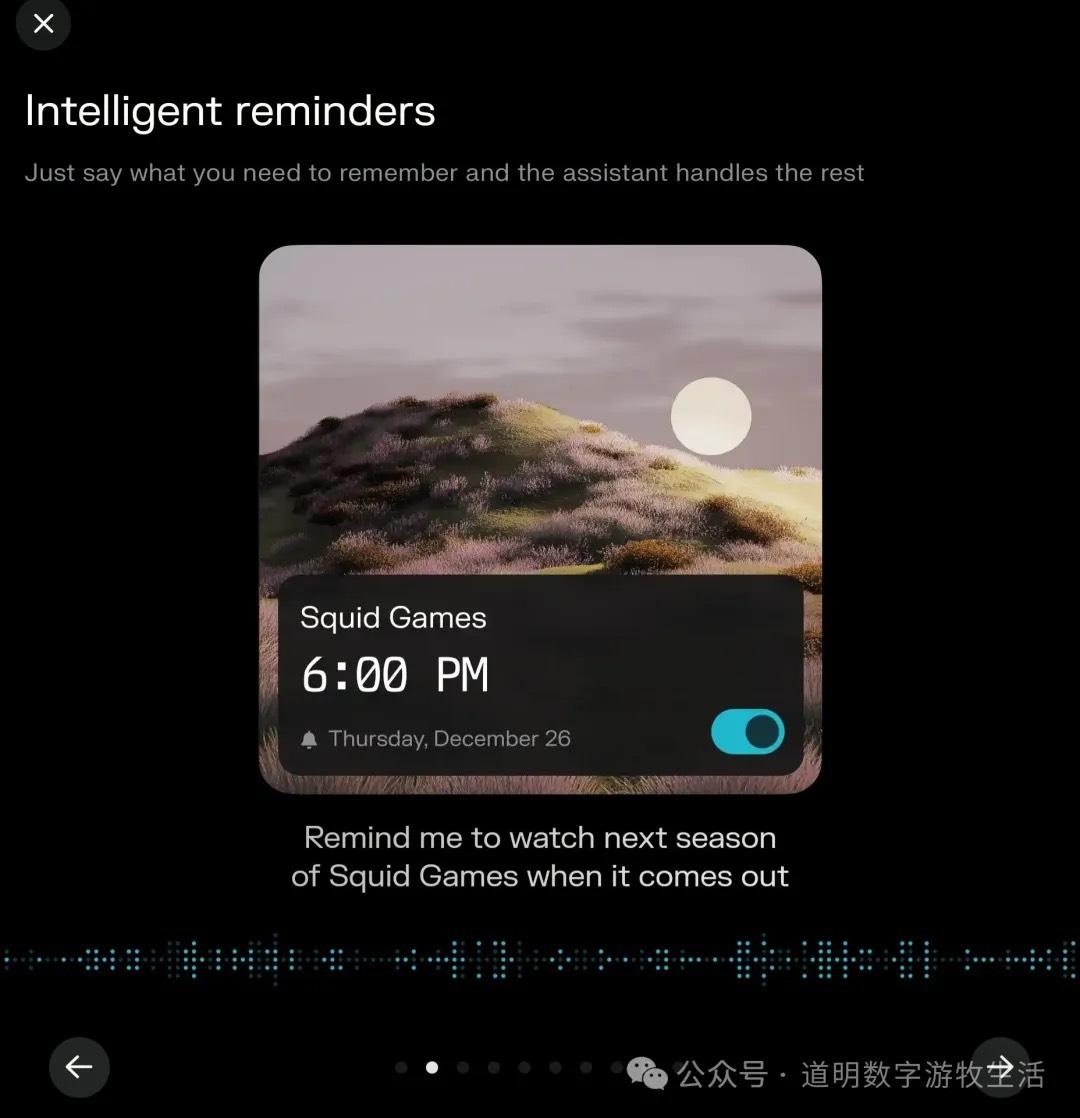
This function works normally. Of course, Gemini has had this for a long time. However, I personally think Perplexity's small result-confirmation cards are very aesthetically pleasing.
Feature 3: Writing Messages and Emails
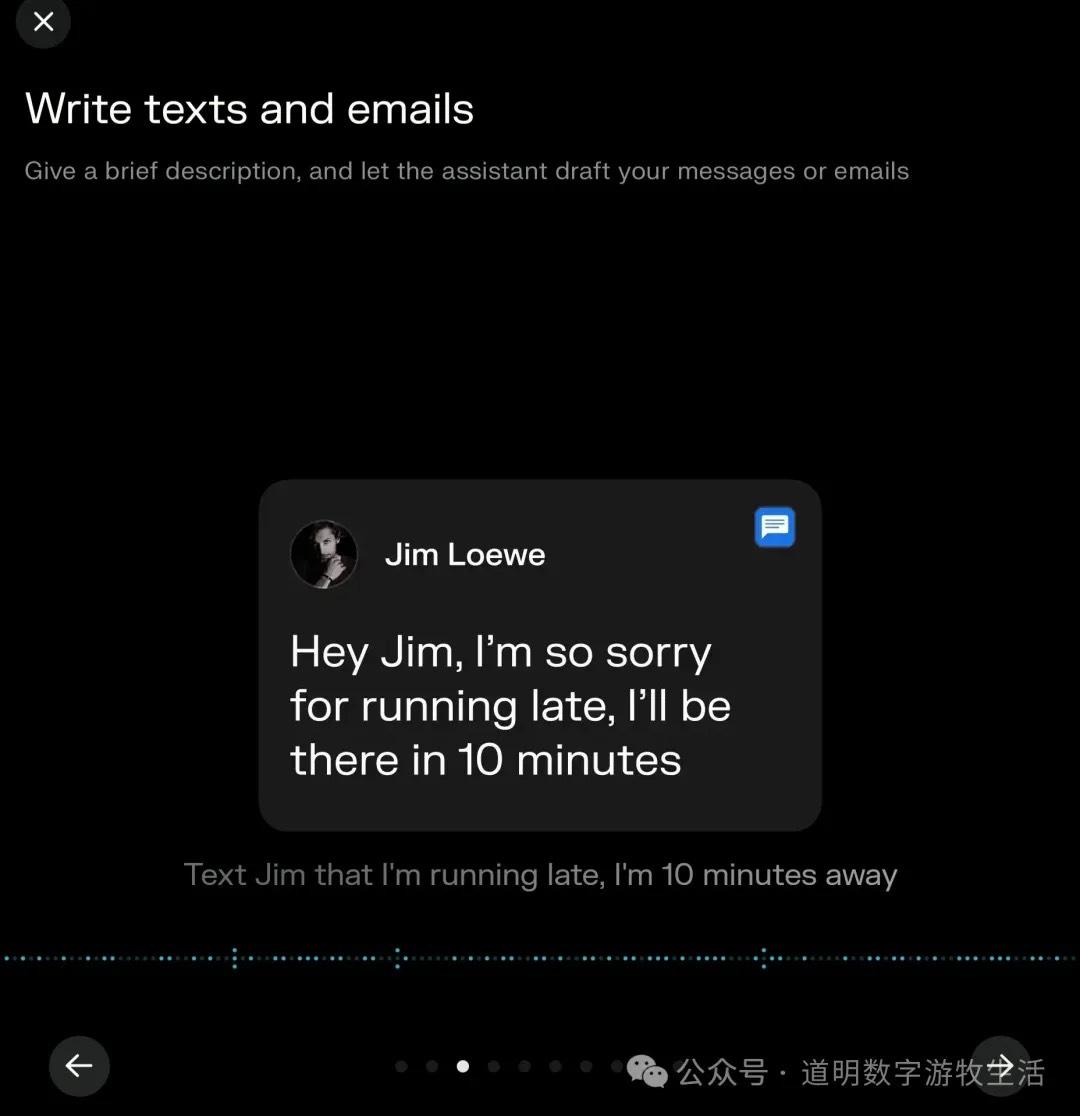
This function tested successfully. But I always feel something is off—oh right, opening Messages or WeChat and sending a voice note isn't actually that difficult. Messaging is human-to-human communication; adding an AI in the middle feels a bit redundant.
Feature 4: Navigation
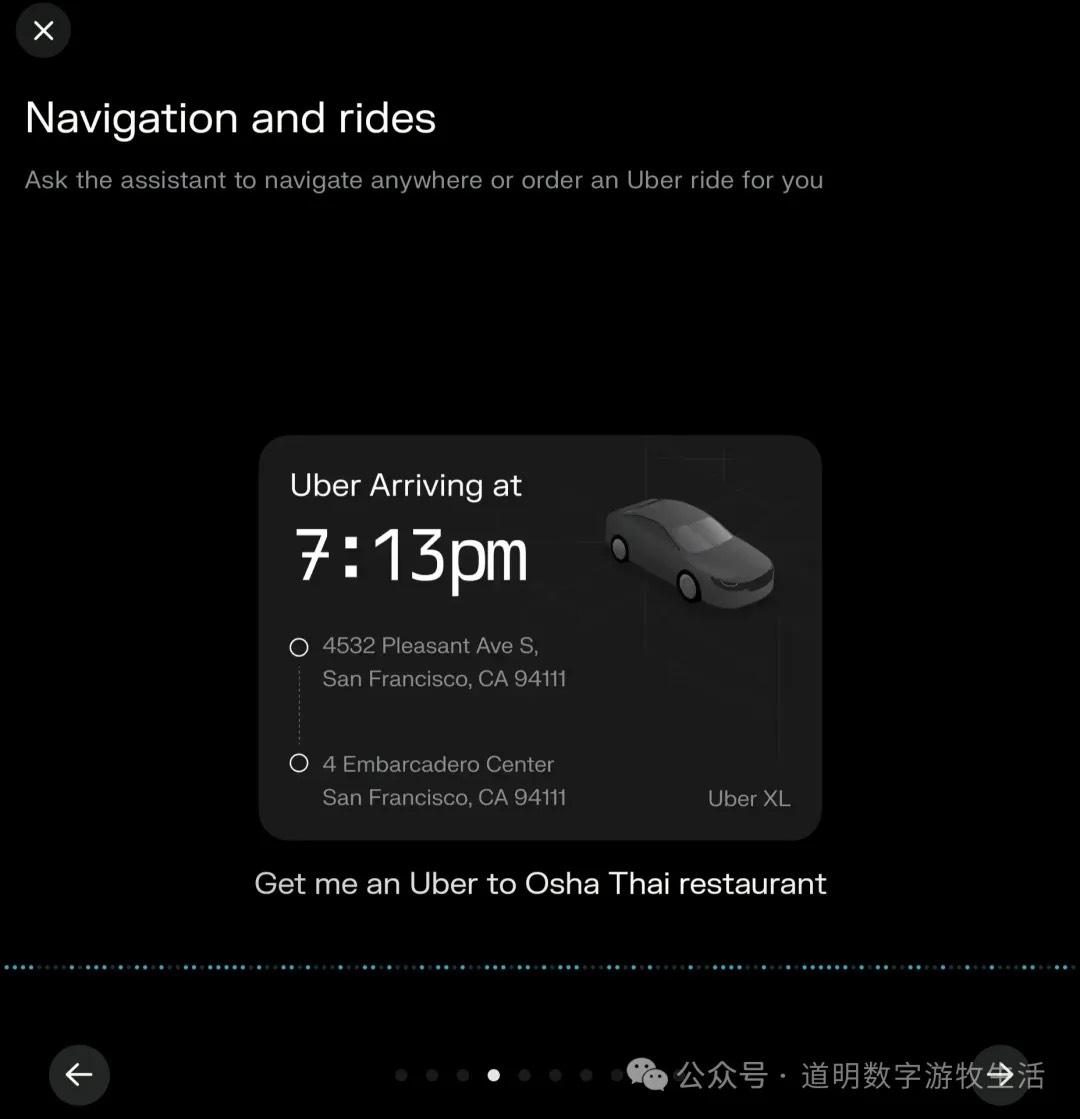
This is the feature I found most useful. But again, for anything involving native Google functions, Gemini has already solved it.
Feature 5: Notification Summaries
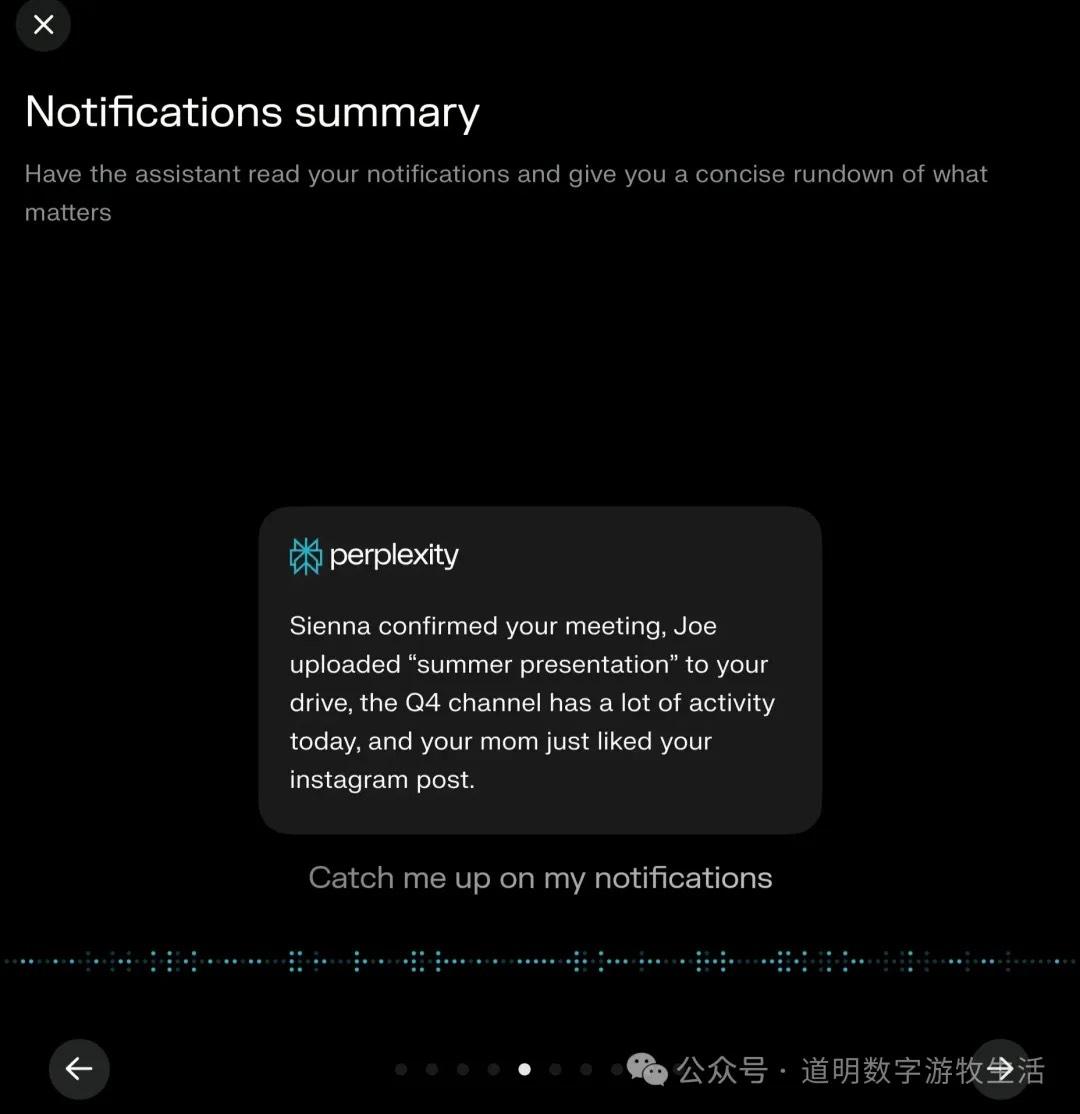
Summarizing all phone notifications is actually a great feature. However, there's a minor issue: because I can't stand spammy push notifications, I have an obsessive-compulsive habit of turning off notifications for almost every app.
Feature 6: "Screen Sharing"?
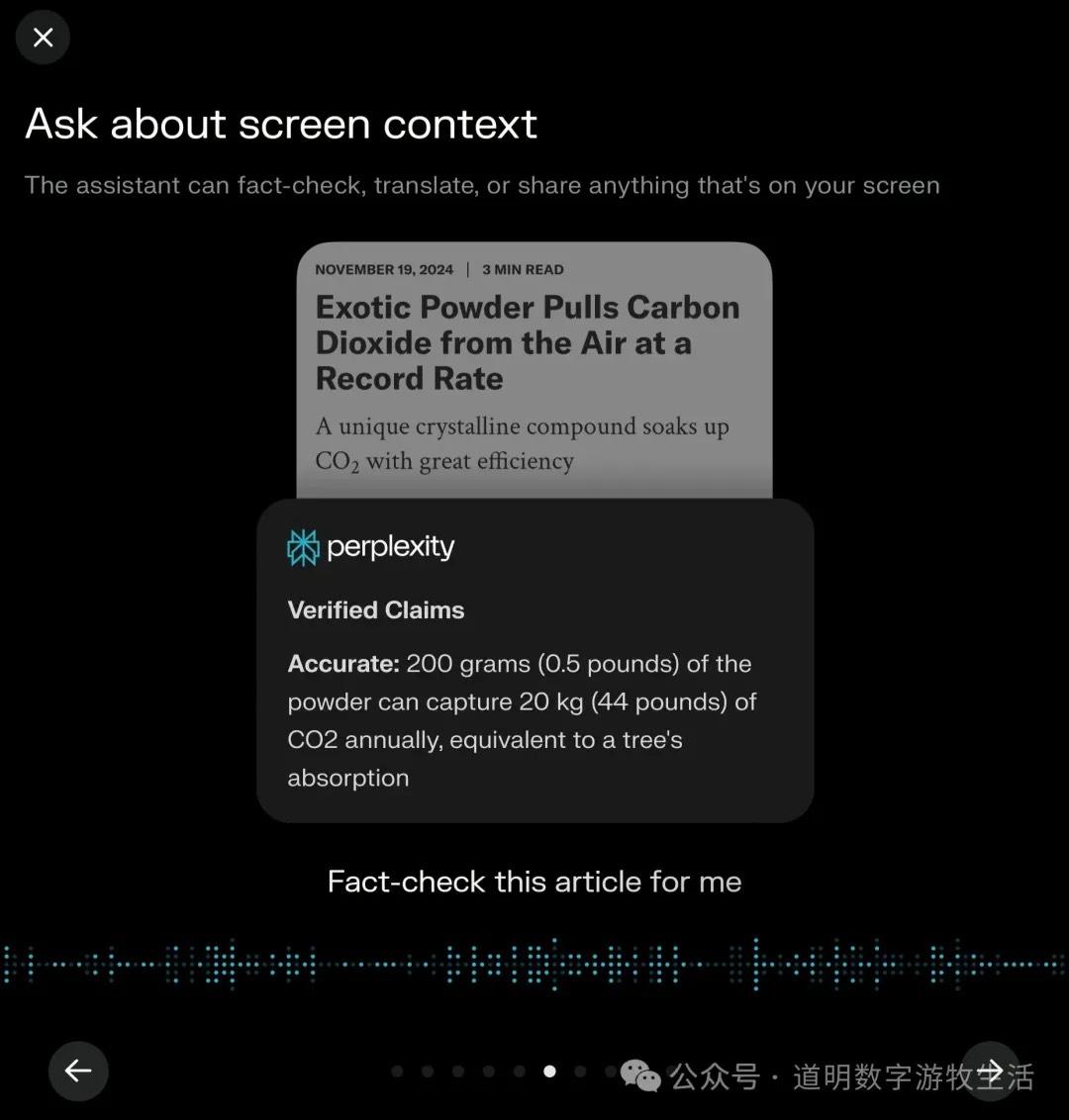
I can't think of a perfect Chinese translation for "Screen Context." This feature is actually more useful on desktop because the best use case is acting as an assistant that follows screen changes in real-time (try Google’s AI Studio with Gemini 2.0 for a smooth screen-sharing conversation experience). When it only sees static screens, it feels redundant, especially compared to Samsung's "Circle to Search" powered by Google (which is an excellent feature).
Feature 7: Asking the Camera
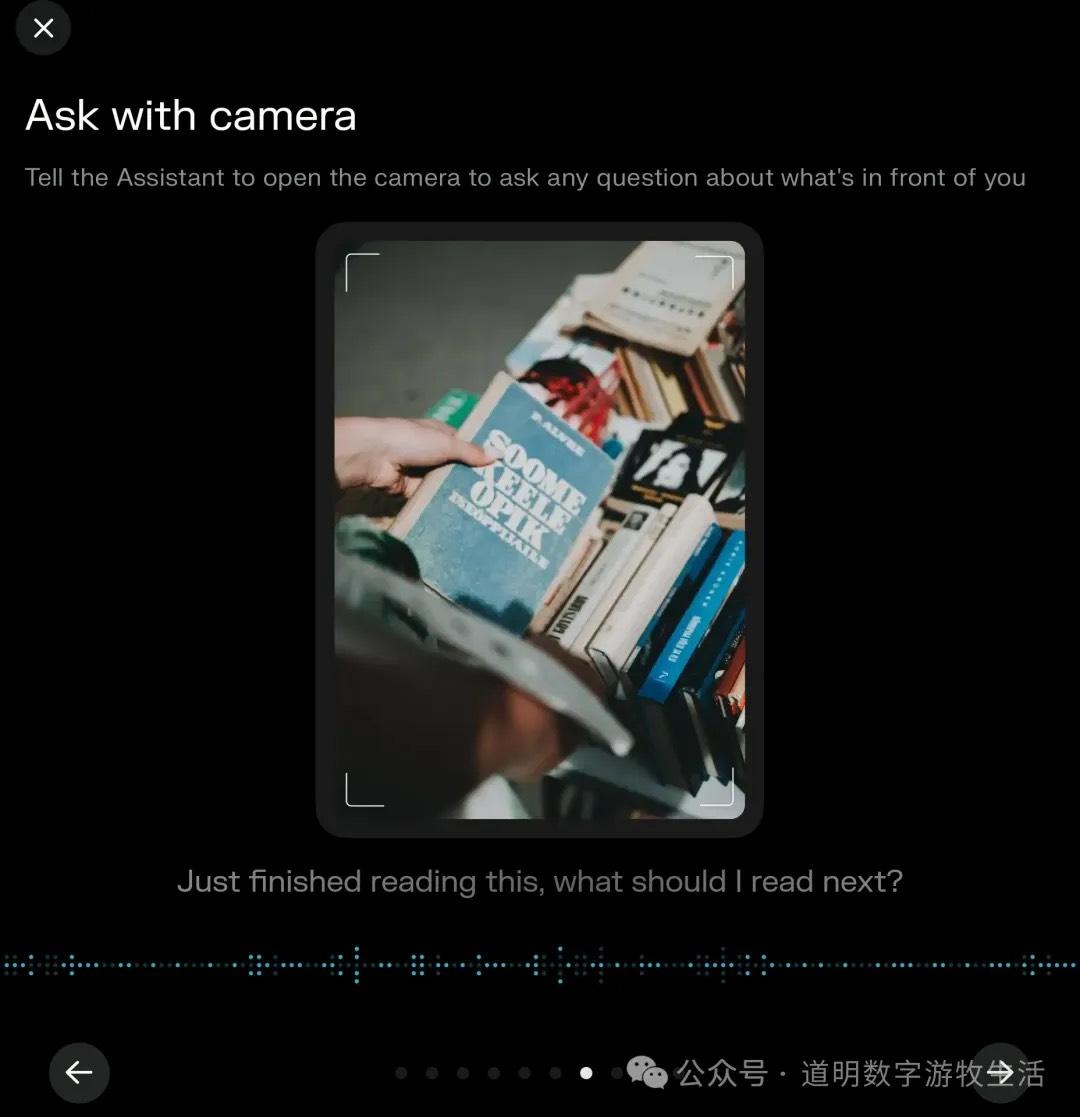
This is probably the most marketed use case for AI assistants. It first appeared on the Rabbit R1 hardware, then in ChatGPT, then Gemini, and now Perplexity has caught up. However, I'm not sure how to evaluate this. I only have one practical scenario: passing an interesting spot while traveling without "serious photography gear," taking a photo to record the location. But what I actually need is for the assistant to organize that and add it to an "unfinished locations" document. I think only when assistants handle such multi-step tasks will they be truly useful.
Feature 8: Ordering Food; Feature 9: Phone Calls
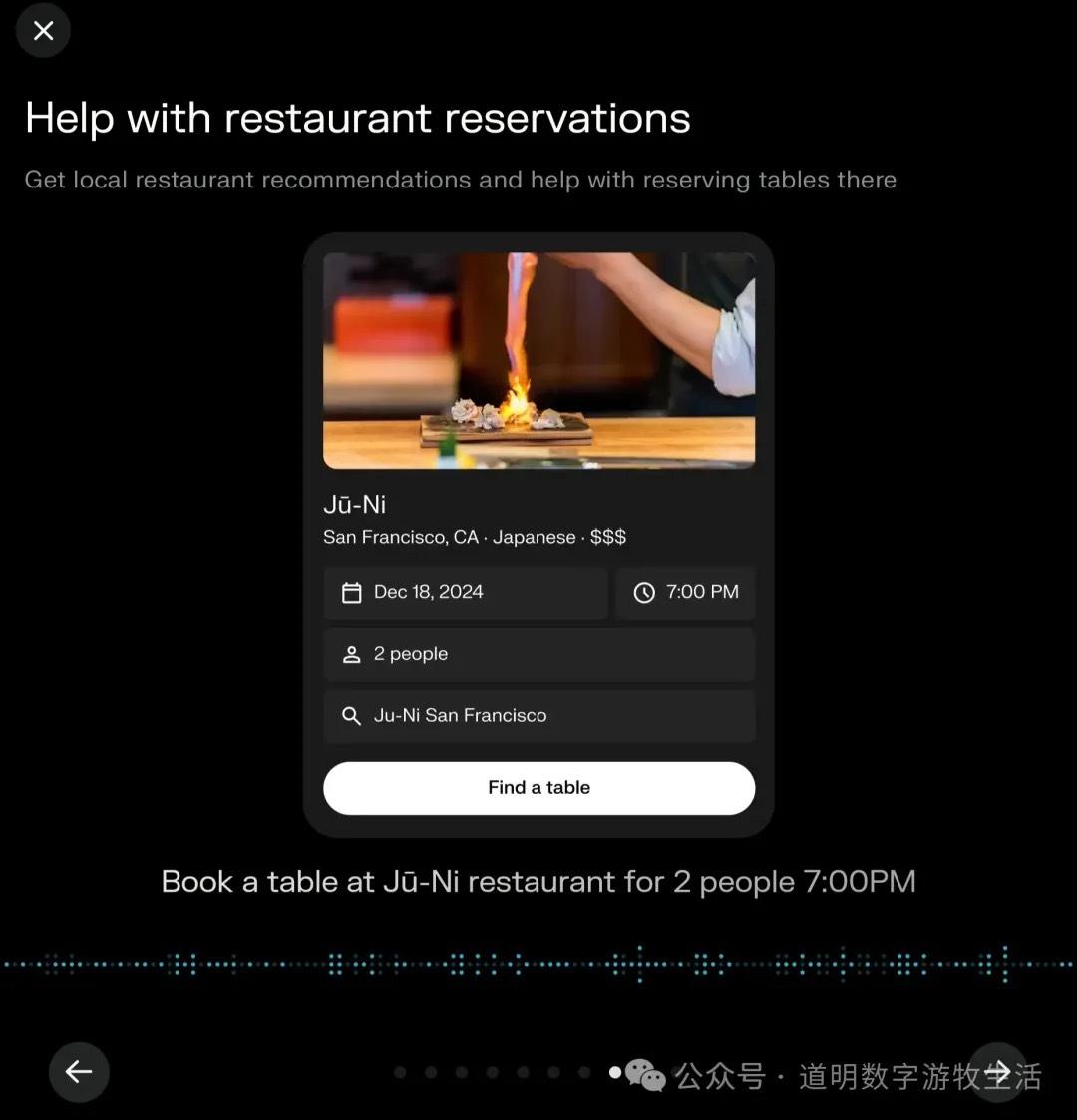
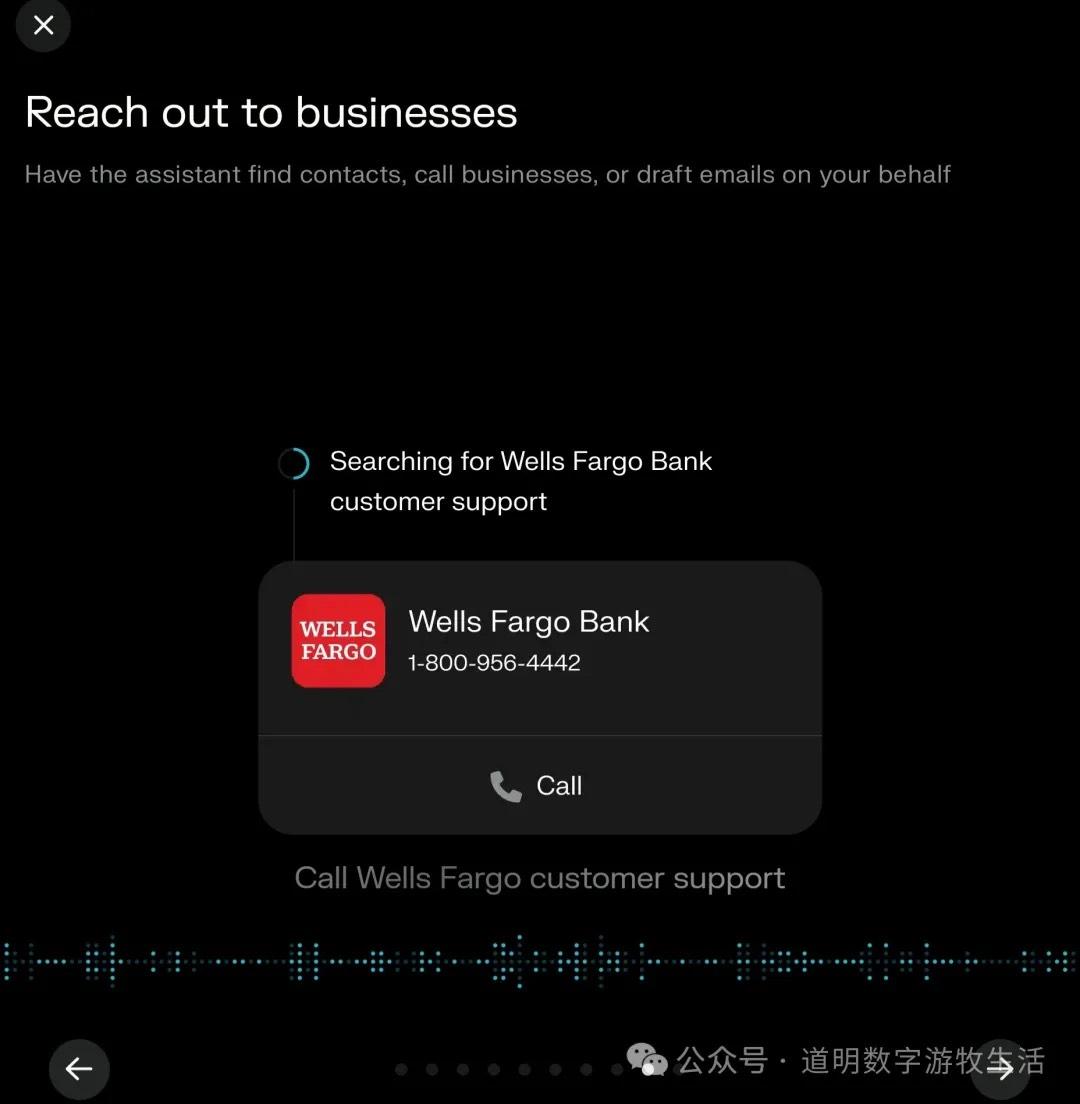
I increasingly feel that for tasks like ordering takeout or booking a restaurant, I don't actually want AI to intervene; the process itself can be more interesting. The same goes for phone calls. Of course, if the assistant could automatically communicate with the other side's "AI customer service" to resolve an issue, that would be useful.
Feature 10: Action Chains
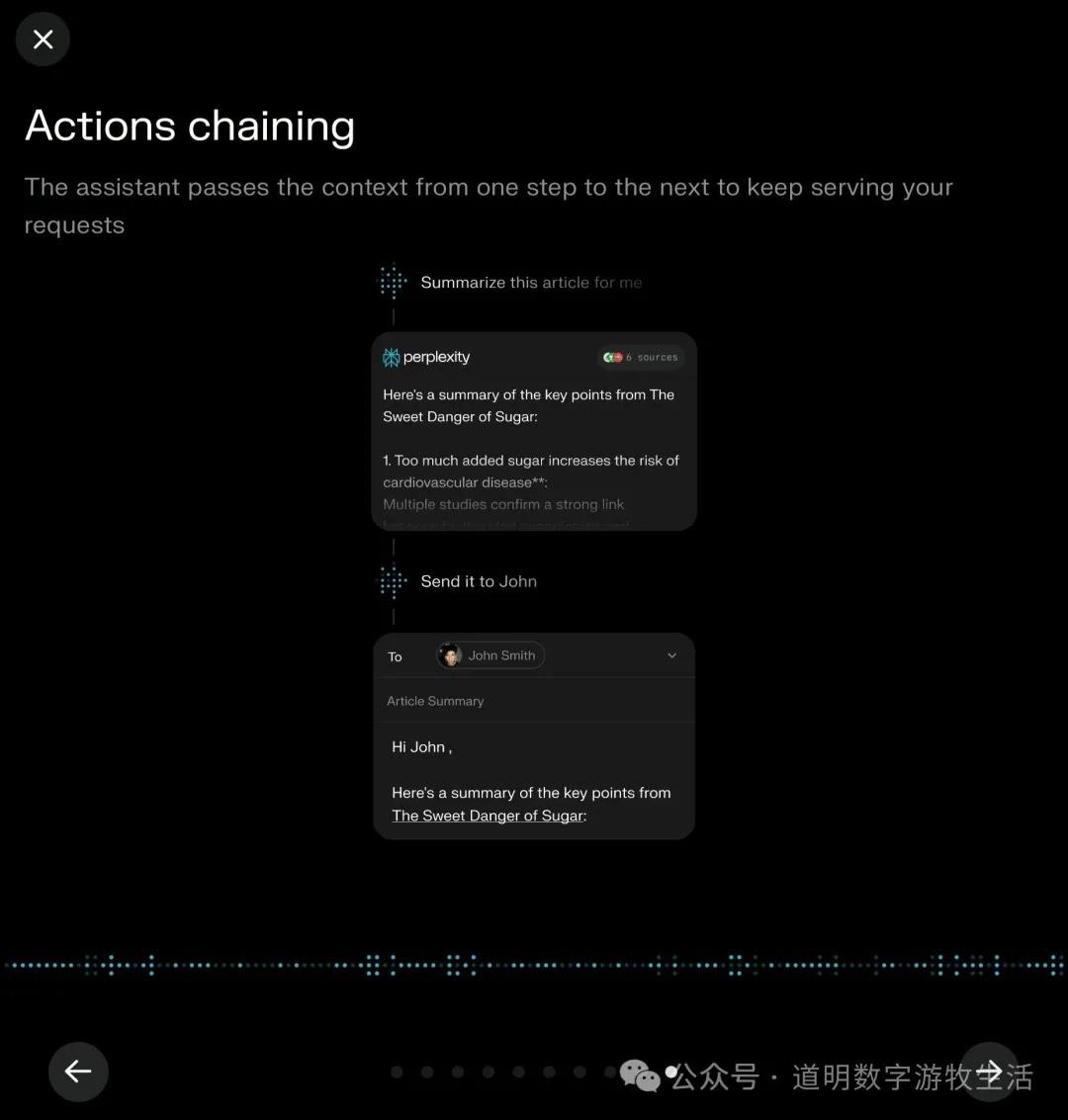
Multi-step calling across different services and modalities is the prerequisite for most assistant features. However, given that it currently only calls third-party APIs, this feature still isn't that easy to use.
I'll adjust my previous assessment: it can call apps, but because it cannot maintain real-time interaction with the user, the user-friendliness is average.
Summary: Regarding the features, technical completeness, and effort launched by Perplexity, I would give it a high score. In contrast, OpenAI's recent moves have felt increasingly "cheap."
But a high score cannot hide an awkward reality: Are AI Agents really that exciting?
First, in the form factor of a smartphone, AI assistant features will always be the private domain of Apple and Google. No matter how hard Perplexity tries, it cannot obtain superuser permissions, but the OS can. Technically, these features aren't hard to implement; any startup's exploration might just be providing templates and materials for the two giants.
Second, if AI Agents truly improve our efficiency in many aspects, we might actually prefer "manually swiping the screen" for many of the functions above. Human nature is strange.
I truly believe that model manufacturers and those who have both applications and models should focus on AI hardware instead of fighting over the smartphone.
AI Hardware
Dao Ming, Public Account: Dao Ming's Digital Nomad Life
After ChatGPT's "Assistant" feature release: There is a piece of hardware missing between OpenAI and Agents.
Finally, whether it's OpenAI's Operator or Perplexity's Assistant, many features rely on opening a Sandbox virtual environment to simulate human operations.
Wouldn't it be better to integrate that directly into hardware and break free from the shackles of the phone?